Customer Relationship Management
The Users manager doubles as a full CRM — track everything about each user, add tasks, files, notes, segment into lists, and move them through pipelines.
The Users module isn’t just a user list — it’s a complete customer relationship management tool built into every client app. Your clients can see everything about a user in one place, assign tasks, attach files, log relationship notes, and track users through pipelines — all without leaving the app.
Overview
Every business needs to manage relationships with its customers. Instead of bolting on a separate CRM tool, Platfio builds relationship management directly into the Users manager. Each user record becomes a rich profile that holds the full history of the relationship — conversations, tasks, files, notes, and pipeline stage. Clients get a CRM that’s native to their app, connected to real user data, and available to their entire team.
User Profiles
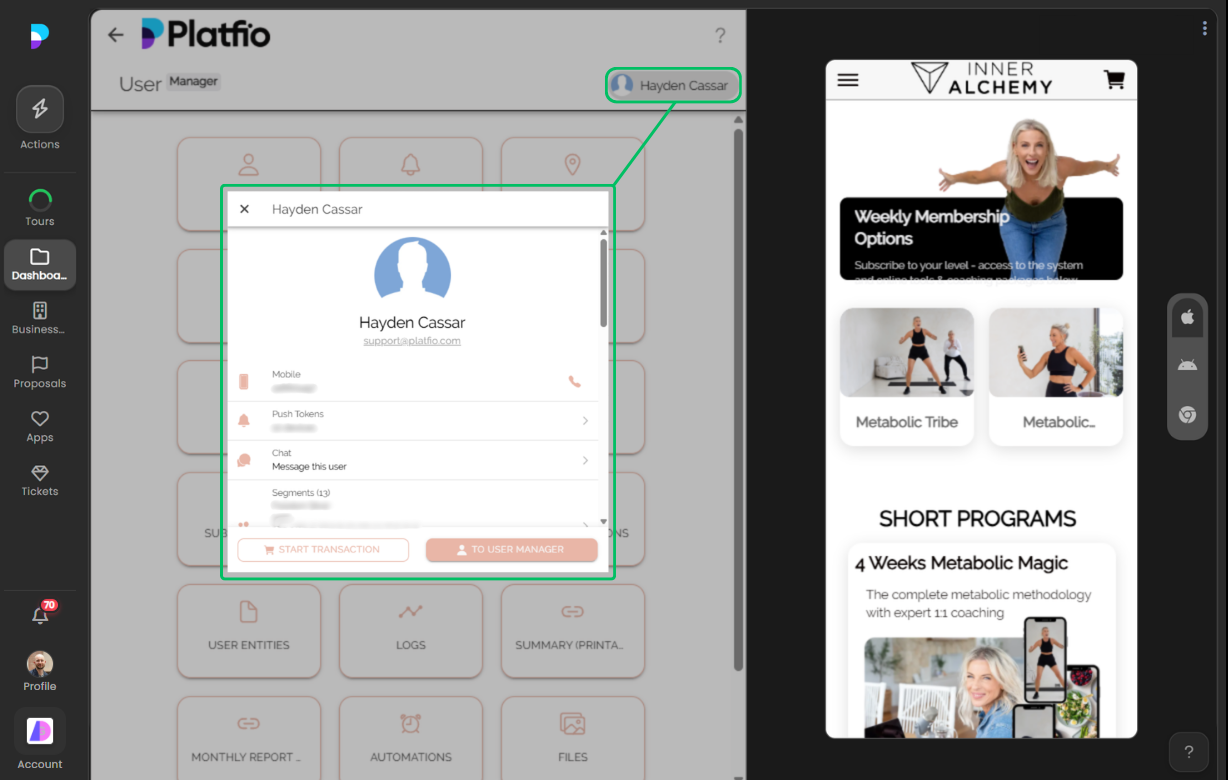
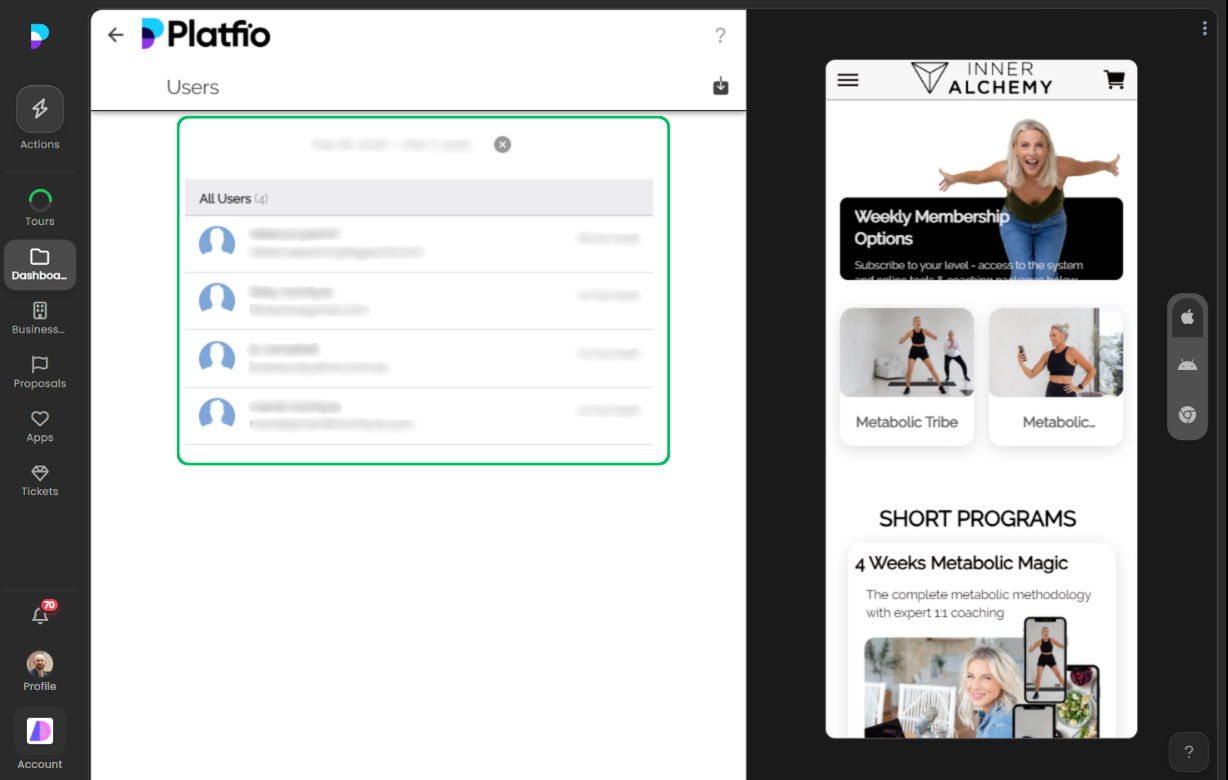
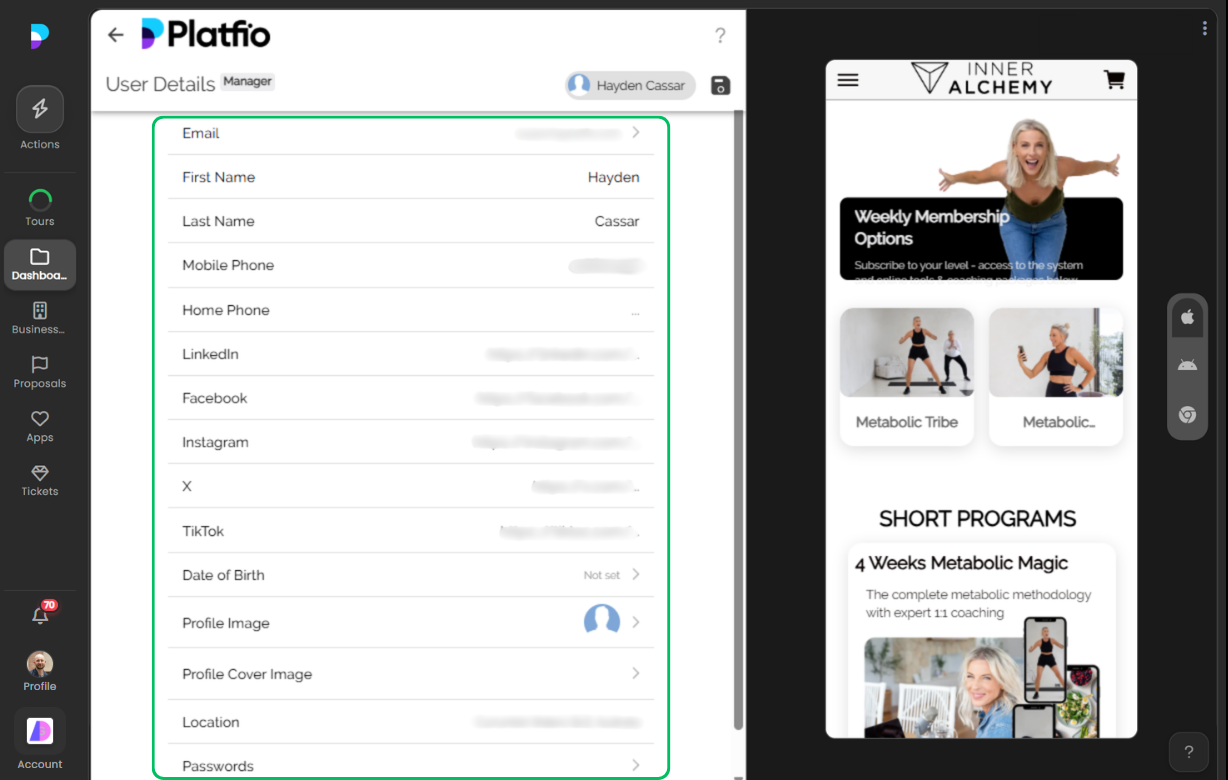
Each user profile is the single source of truth for that relationship. Staff can see account details, activity history, and everything attached to the user — all from one screen.
- Complete overview — See the full picture of a user at a glance, including their profile, activity, and all associated records
- Activity history — Track every interaction, purchase, booking, and engagement across the app
- Custom fields — Extend user profiles with custom data fields to capture the information that matters to the business
Tasks
Create and assign tasks directly against a user record. Whether it’s a follow-up call, an onboarding step, or a support action, tasks keep the team accountable and ensure nothing slips through the cracks.
- Task assignment — Assign tasks to team members with due dates and priorities
- Statuses and categories — Organise tasks with custom statuses and categories to match the team’s workflow
- Per-user task lists — See all outstanding and completed tasks for any user in one place
Files
Attach documents, contracts, images, and any other files directly to a user record. Everything the team needs is right where the relationship lives.
- File attachments — Upload and manage files against individual user records
- Quick access — Find and reference files without digging through shared drives or email threads
Relationship Notes
Log notes against a user to keep a running record of calls, meetings, observations, and decisions. Notes are tagged and searchable, so the team can always pick up where someone left off.
- Tagged notes — Add tags to notes for easy filtering and search
- Chronological log — Keep a timestamped record of every interaction and observation
- Team visibility — Any team member can read and contribute notes, so context is never lost
Segments & Lists
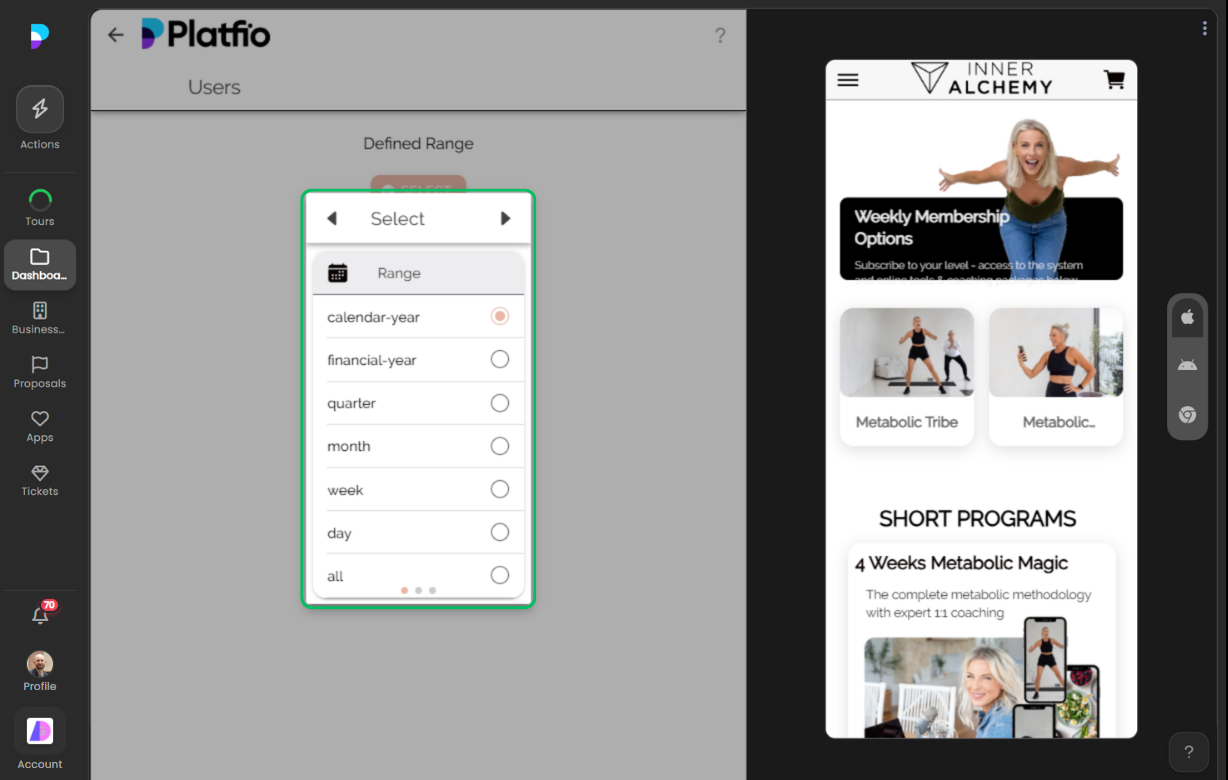
Group users into lists based on shared characteristics, behaviours, or manual selection. Segments make it easy to target marketing, filter views, and manage users in bulk.
- User lists — Create and manage lists to organise users by type, status, interest, or any criteria
- Dynamic and manual segmentation — Segment users automatically based on rules or add them to lists manually
- Bulk actions — Perform actions across an entire segment — send messages, export data, or update records in bulk
Pipelines
Track users through defined stages as they progress through a journey — onboarding, sales qualification, membership tiers, or any process the business defines. Pipelines give clients a visual, structured way to manage user progression within segment collections.
- Pipeline stages — Define custom stages that reflect the business’s processes and move users through them
- Visual pipeline view — See where every user sits in the pipeline at a glance
- Segment collections — Group related segments into collections and track user progress across the full journey
- Stage automation — Trigger actions when a user enters or exits a pipeline stage
See it in action
Ready to deliver better software, faster?
See how Platfio gives your agency the tools to build, ship, and support apps your clients will love.
← All features