Proposal Builder
Turn your project plan into a professional proposal that clients can review, approve, and sign off on.
Go from plan to proposal in minutes. The Proposal Builder takes the output of your planning process and packages it into a polished, client-ready proposal.
Overview
Once you’ve completed discovery, personas, stories, flows, and tech stack planning, the Proposal Builder pulls it all together into a structured proposal document. It includes scope, deliverables, timelines, and pricing — ready for the client to review and approve. No more recreating work in a separate document.
Key Capabilities
- Plan integration — Automatically pulls scope and deliverables from the Plan Builder
- Professional formatting — Generates clean, branded proposals your clients can review
- Customisable sections — Add, remove, or reorder sections to fit each deal
- Client approval — Clients can review and approve proposals digitally
A Closer Look
Introduction
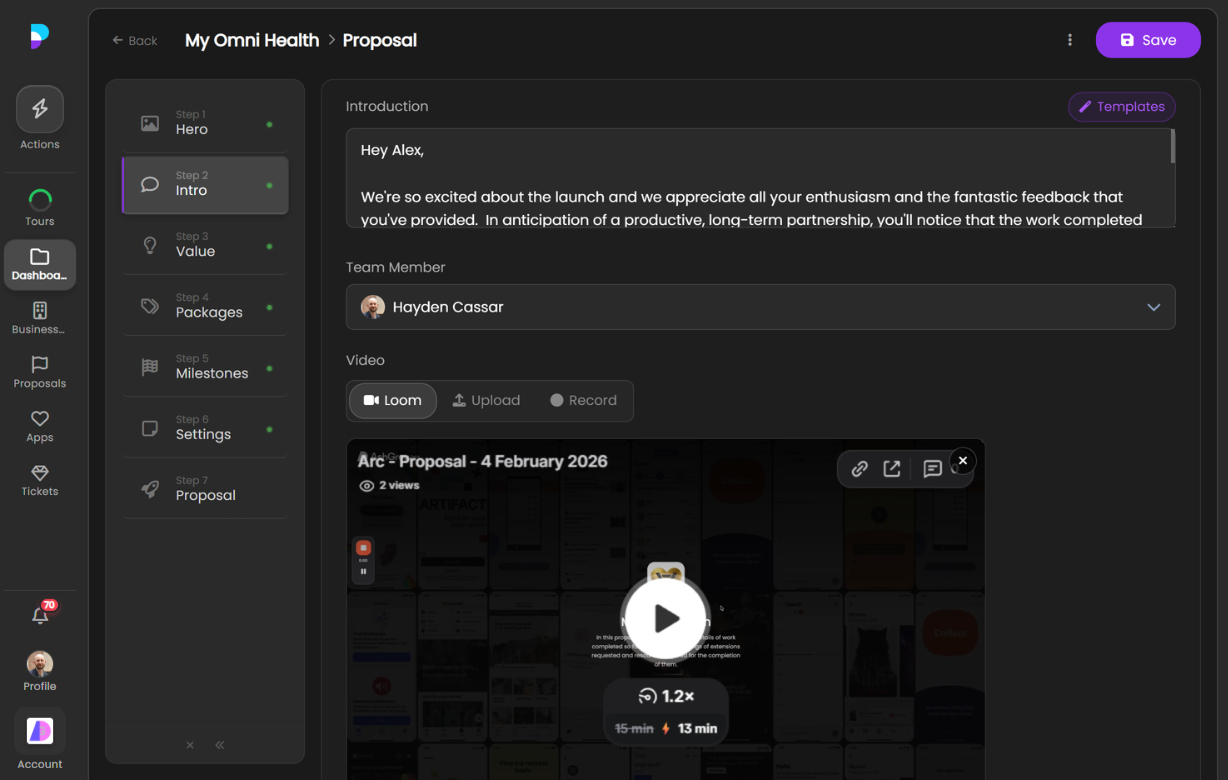
Set the stage for your proposal with a branded introduction that summarises the project and positions your agency.
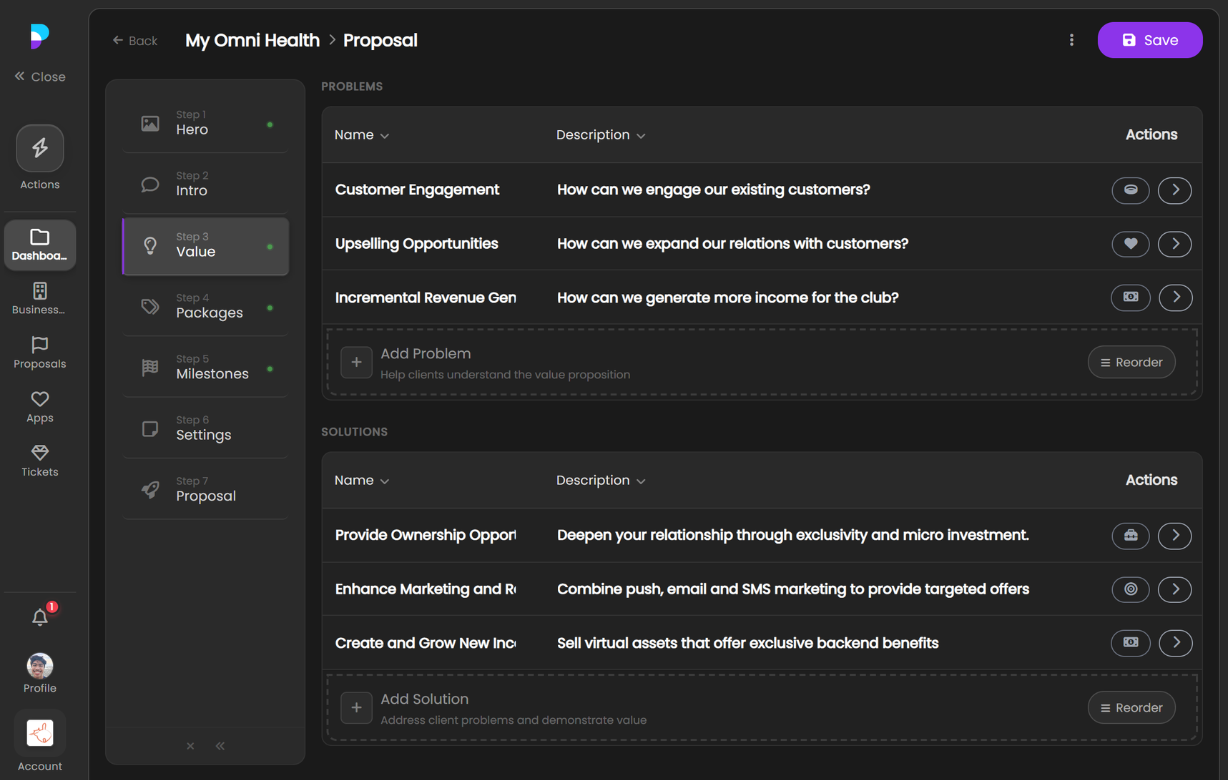
Value Proposition
Clearly communicate the value your agency brings to the project and why the client should move forward.
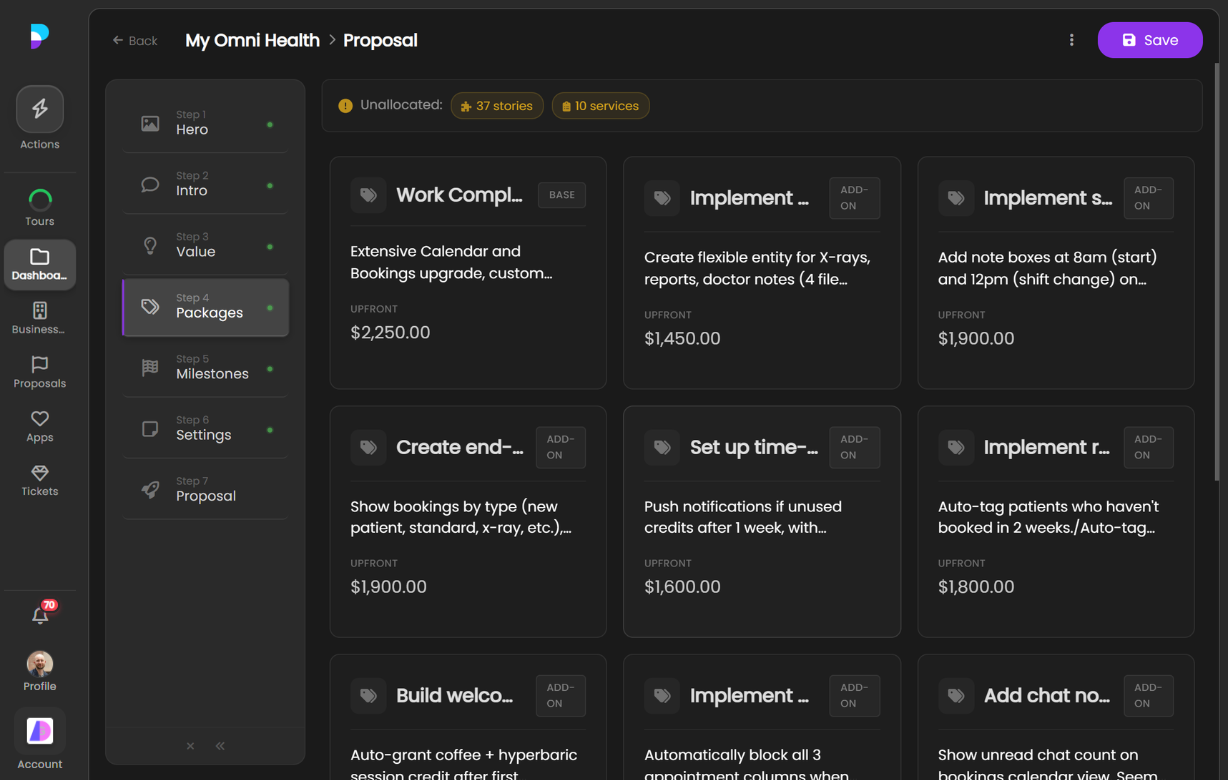
Packages
Packages let you break your proposal into distinct deliverables — a base package for core work and optional add-ons the client can select. Each package card shows a summary of the scope and price at a glance.
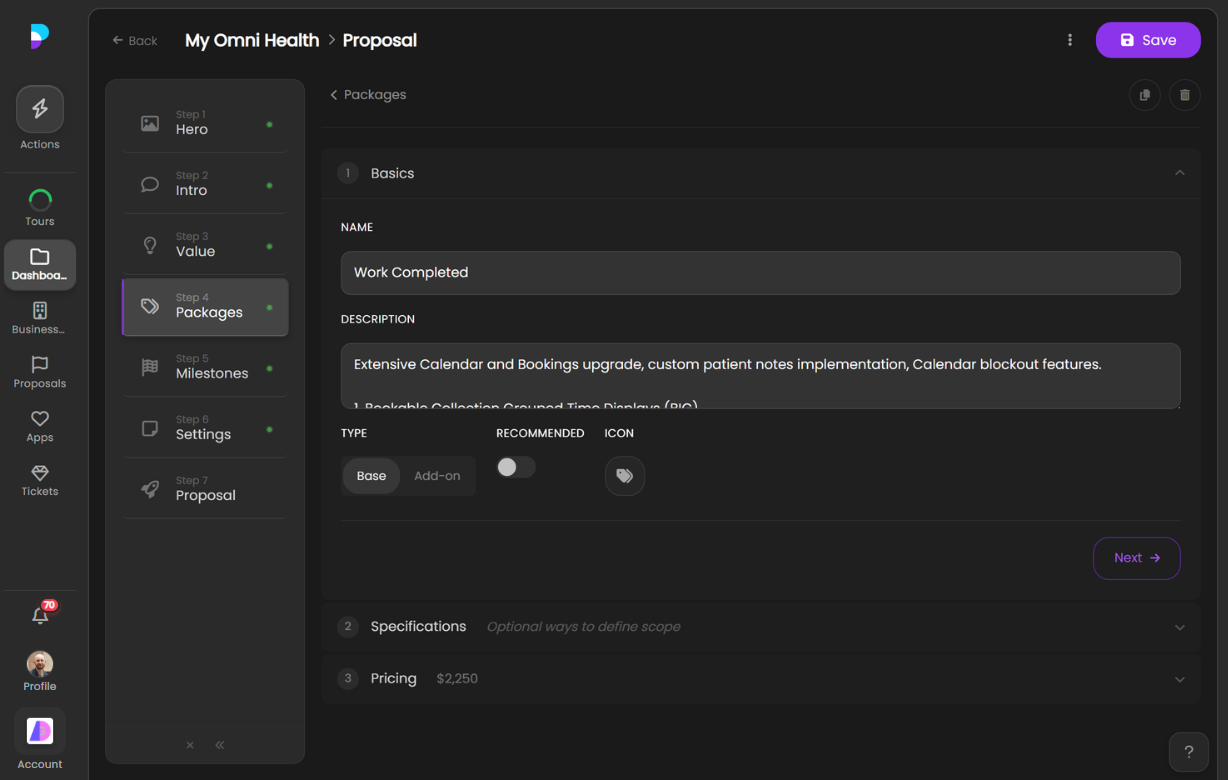
Basics
When you create or edit a package, the first step is defining the basics: give it a name, write a description of what’s included, choose whether it’s a base package or an add-on, mark it as recommended, and pick an icon.
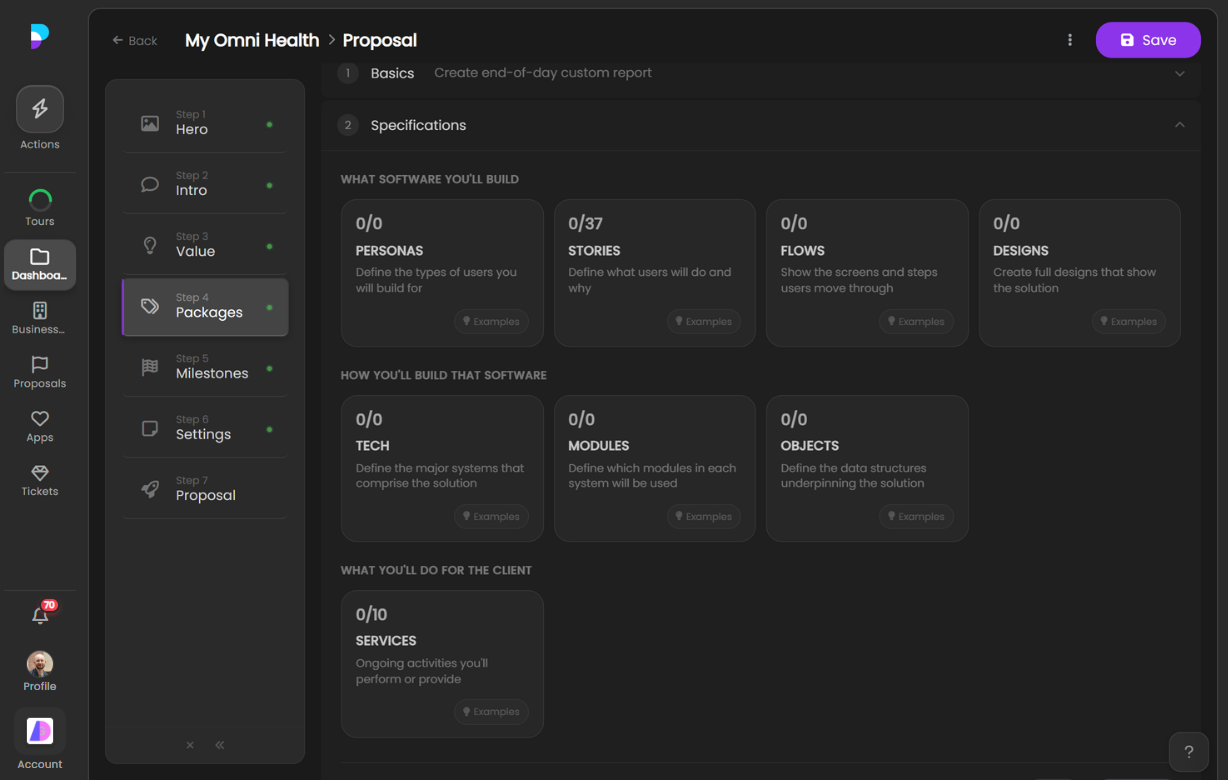
Specifications
Next, assign specifications to the package to define exactly what will be built and delivered. Specifications are pulled directly from your Plan — you can assign personas, stories, flows, designs, tech stacks, modules, objects, and services. Any scope item from your plan can be allocated to one or more packages, giving the client a clear breakdown of what each package covers.
Pricing
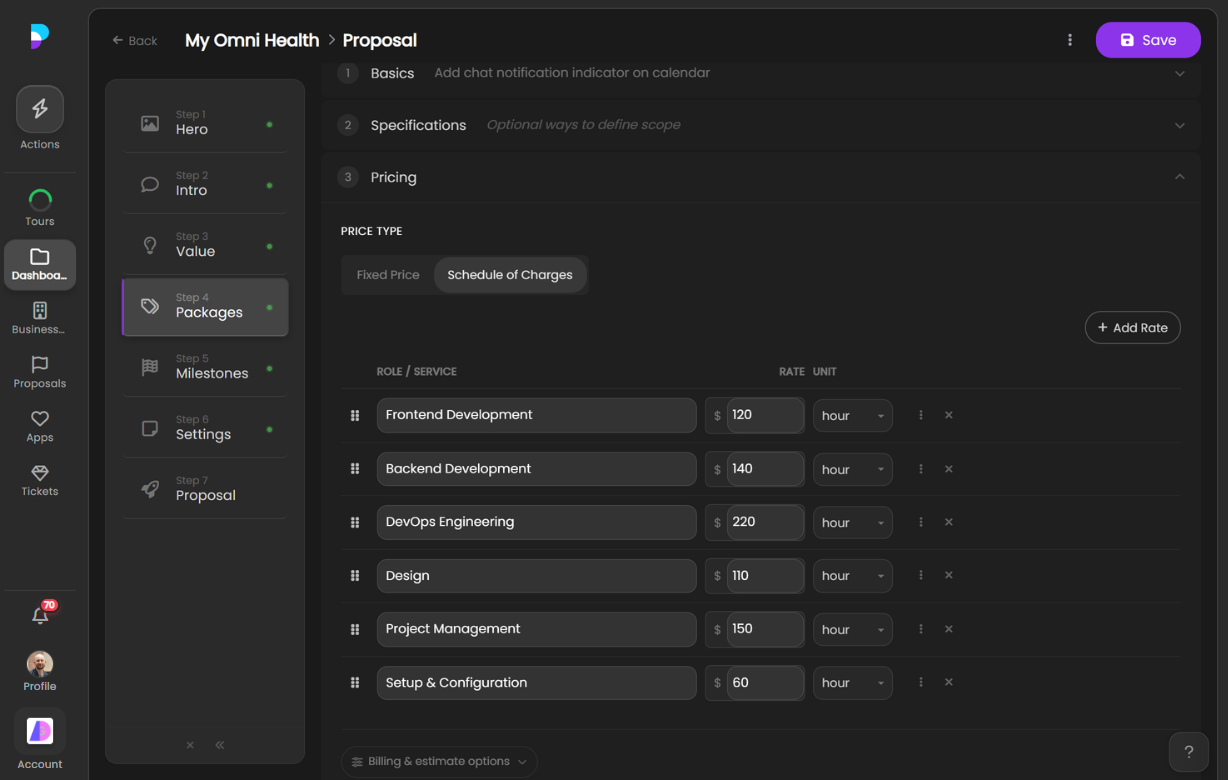
Finally, set the pricing for each package. You have two options:
Fixed Price — Set a one-time upfront cost and an optional recurring fee. Ideal for clearly scoped deliverables where the total cost is known.
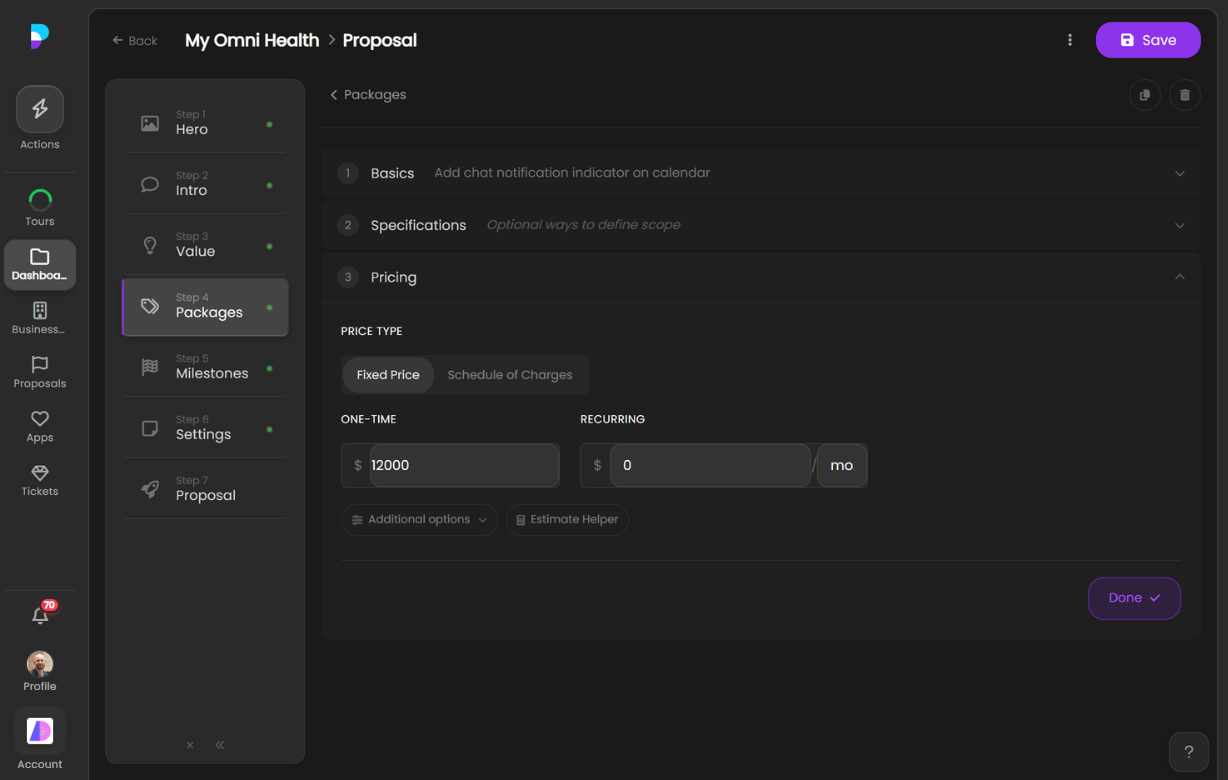
Schedule of Charges — Quote a set of hourly rates by role or service (e.g. Frontend Development, Backend Development, Design, Project Management). Best for time-and-materials engagements or ongoing work where effort may vary.
Need help estimating effort and cost? The Story Point Estimator and Fit-Gap Estimator help agencies size work and calculate pricing — whether you’re quoting a custom build or a SaaS implementation.
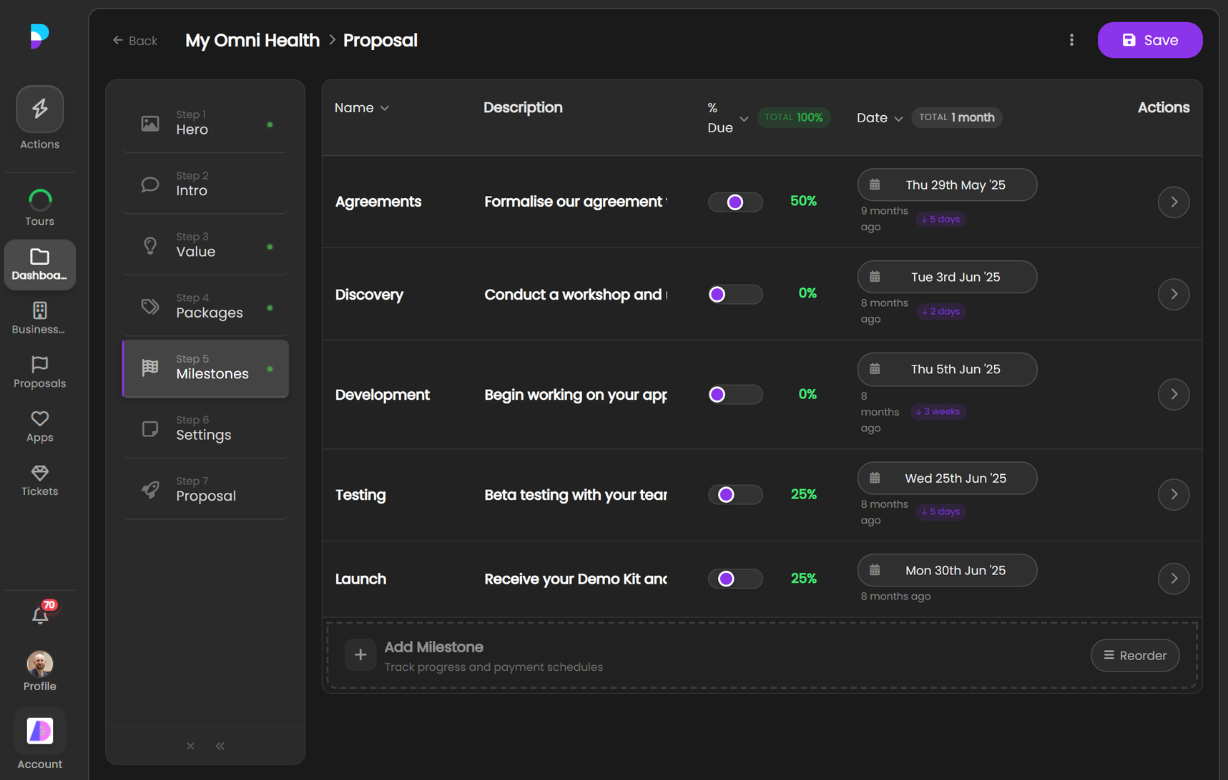
Milestones
Break the project into milestones with deliverables and timelines so clients know exactly what to expect and when.
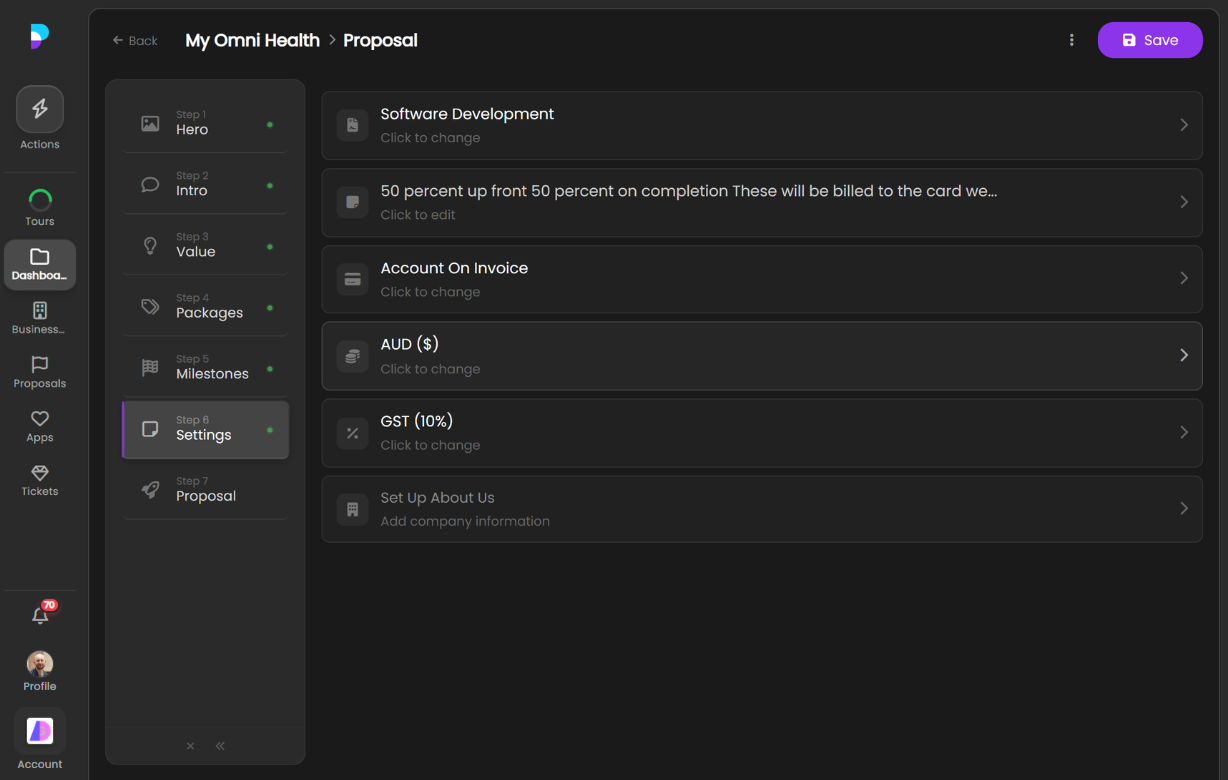
Settings
Configure proposal settings including branding, expiry dates, and approval options.
The Final Proposal
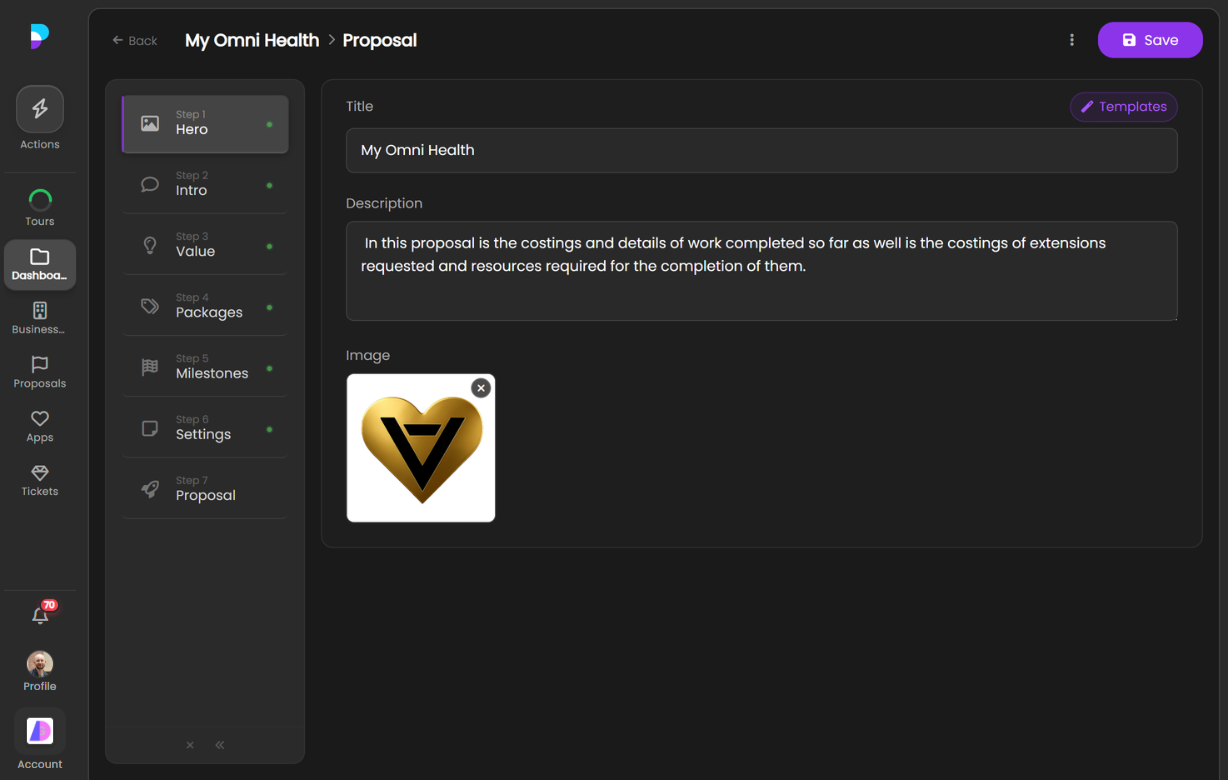
The finished product — a clean, professional proposal ready for the client to review and approve. Choose from multiple hero styles and layouts to match your agency’s brand.
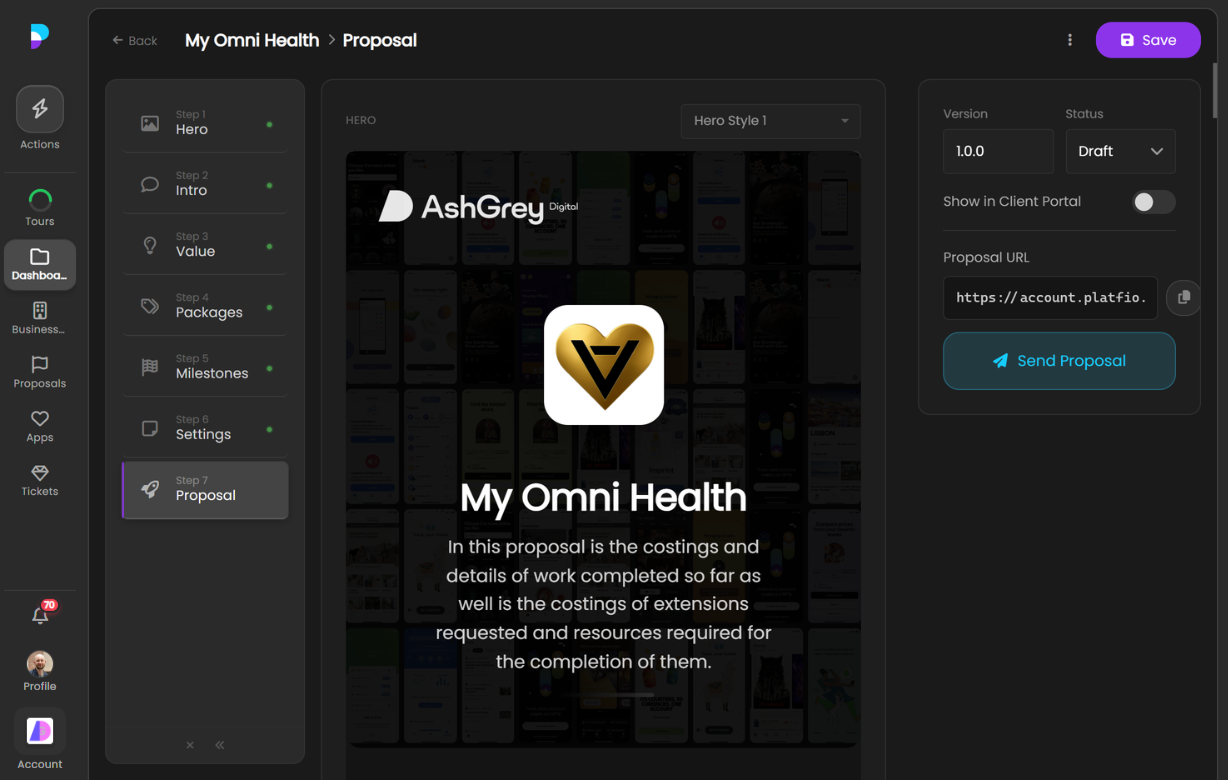
Here are a few more examples of completed proposals:
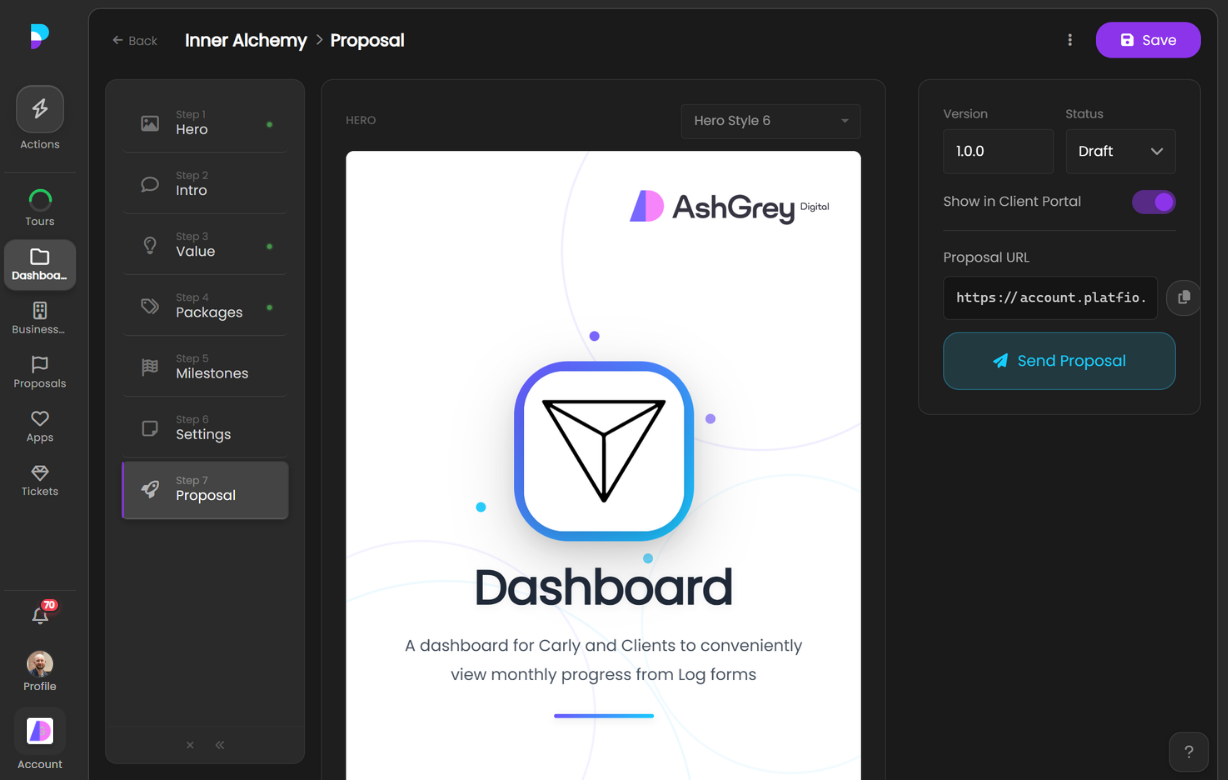
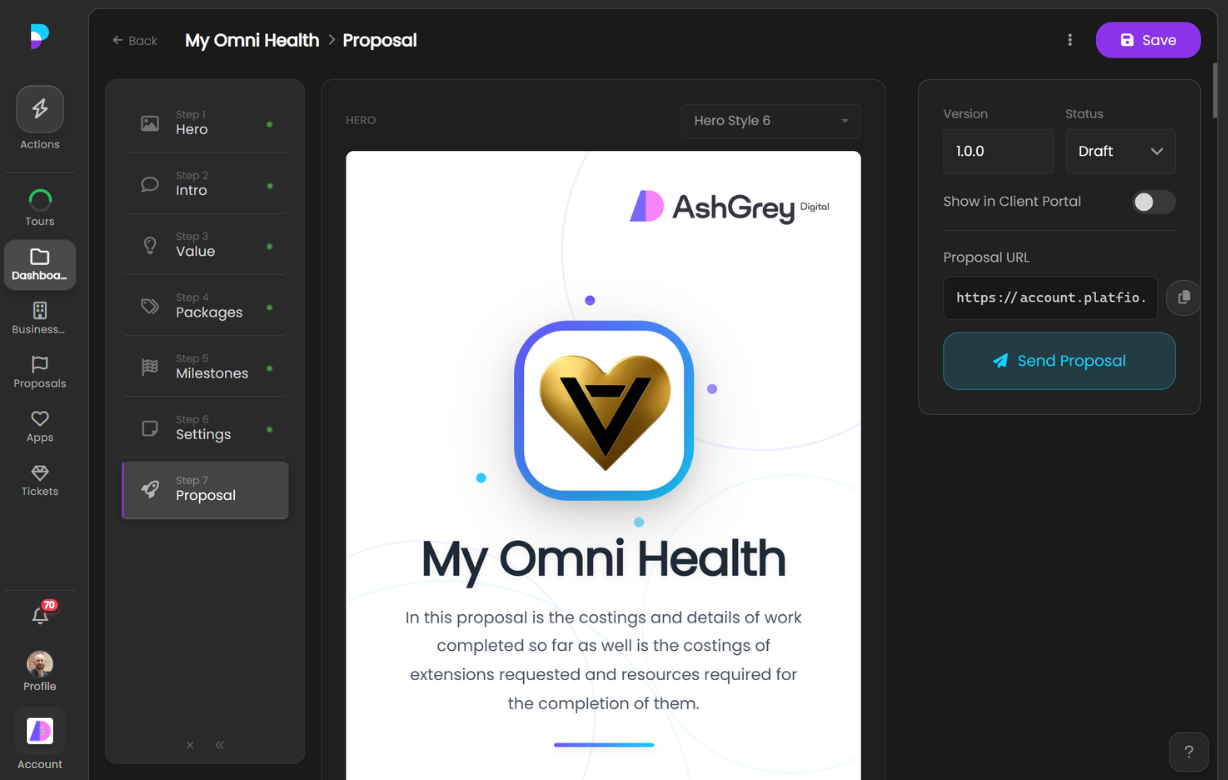
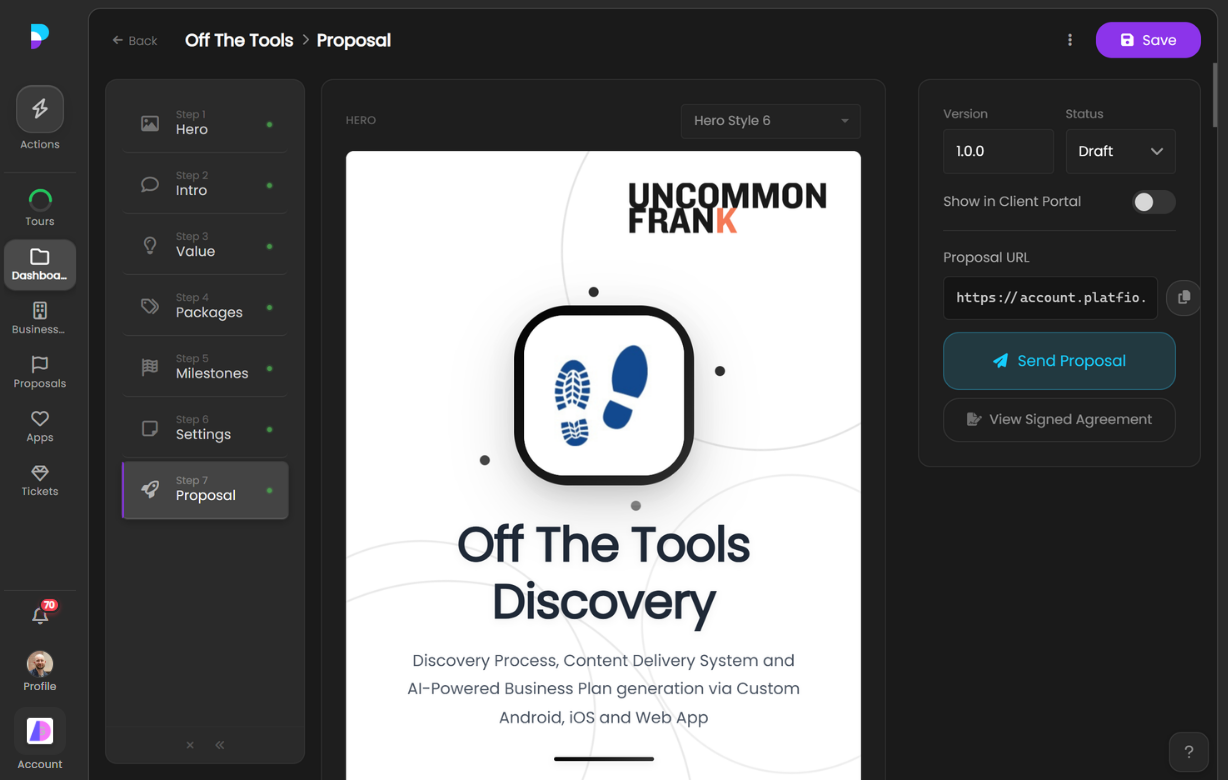
Deliver better software, faster.
Start with Platfio, or talk with us about how it fits your agency workflow.