Client Portal
Give clients a branded portal to view project progress, communicate with the team, and manage their account.
Keep clients in the loop without endless email chains. The Client Portal gives each client a branded space to track progress and communicate.
Overview
The Client Portal provides a dedicated, branded interface where agency clients can log in to view their project status, send messages to the team, review deliverables, and manage their account. It replaces scattered email threads and status meetings with a single, always-up-to-date source of truth — building client confidence and reducing support overhead.
Key Capabilities
- Project dashboard — Clients see a real-time overview of their project’s status, milestones, and timelines
- Messaging — Direct communication channel between the client and the agency team
- Deliverable review — Clients view, comment on, and approve deliverables from one place
- Account management — Clients manage billing, invoices, and subscription details themselves
A Closer Look
Portal Setup & Preview
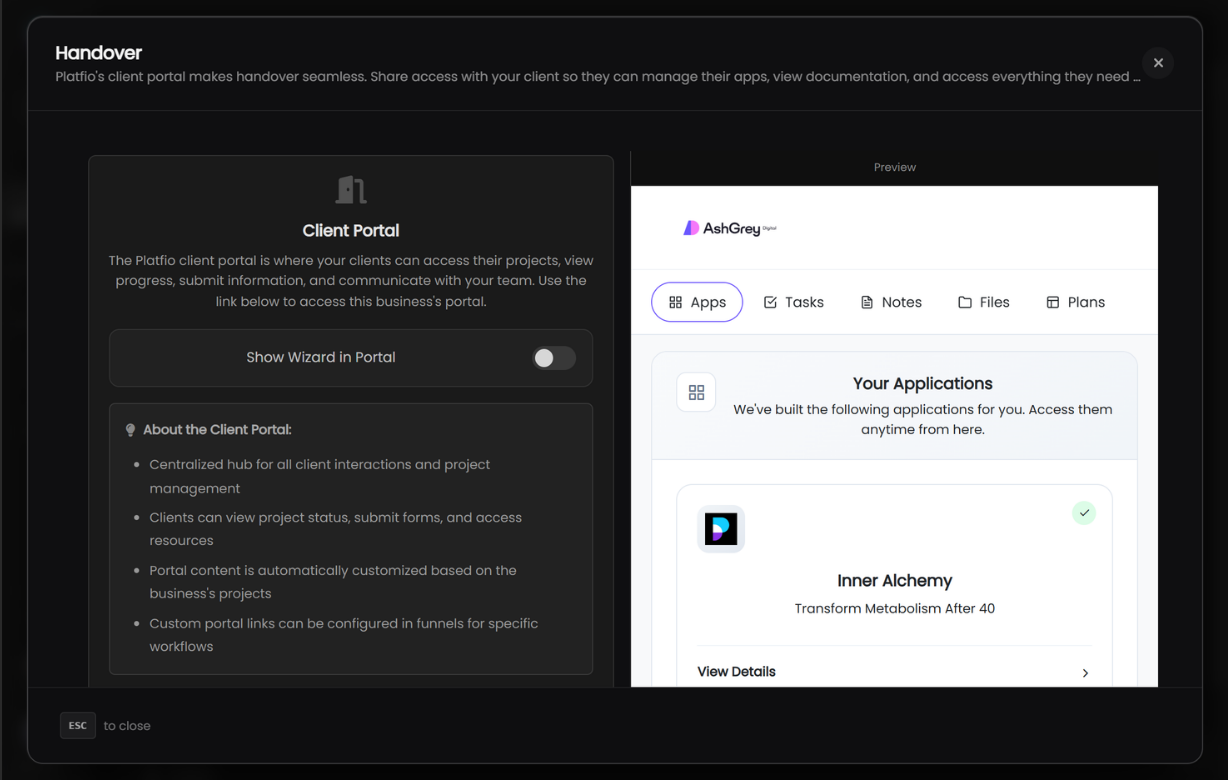
The Client Portal is configured from the Handover section. Toggle the onboarding wizard on or off, and preview exactly what your client will see — including your branding, navigation tabs, and application cards.
Sending the Portal
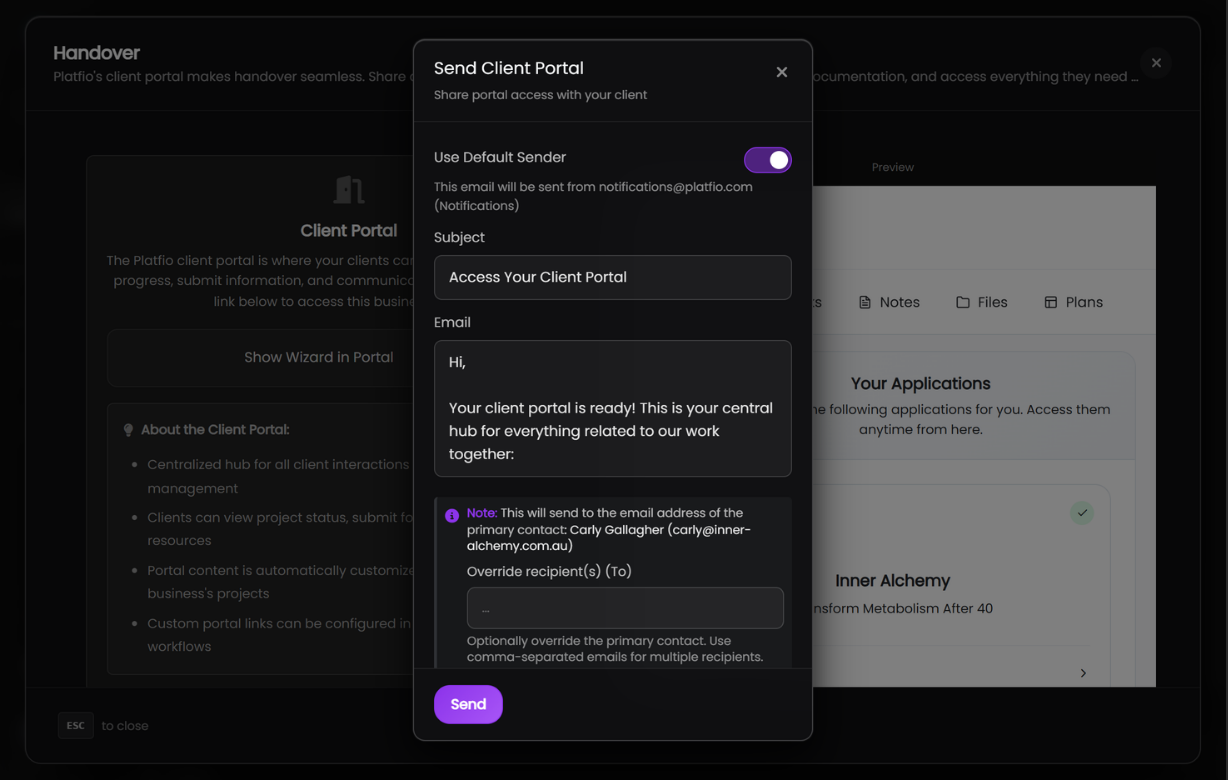
When you’re ready to share access, send a branded email directly to your client’s primary contact. Customise the subject and message, choose the sender, and optionally override the recipient.
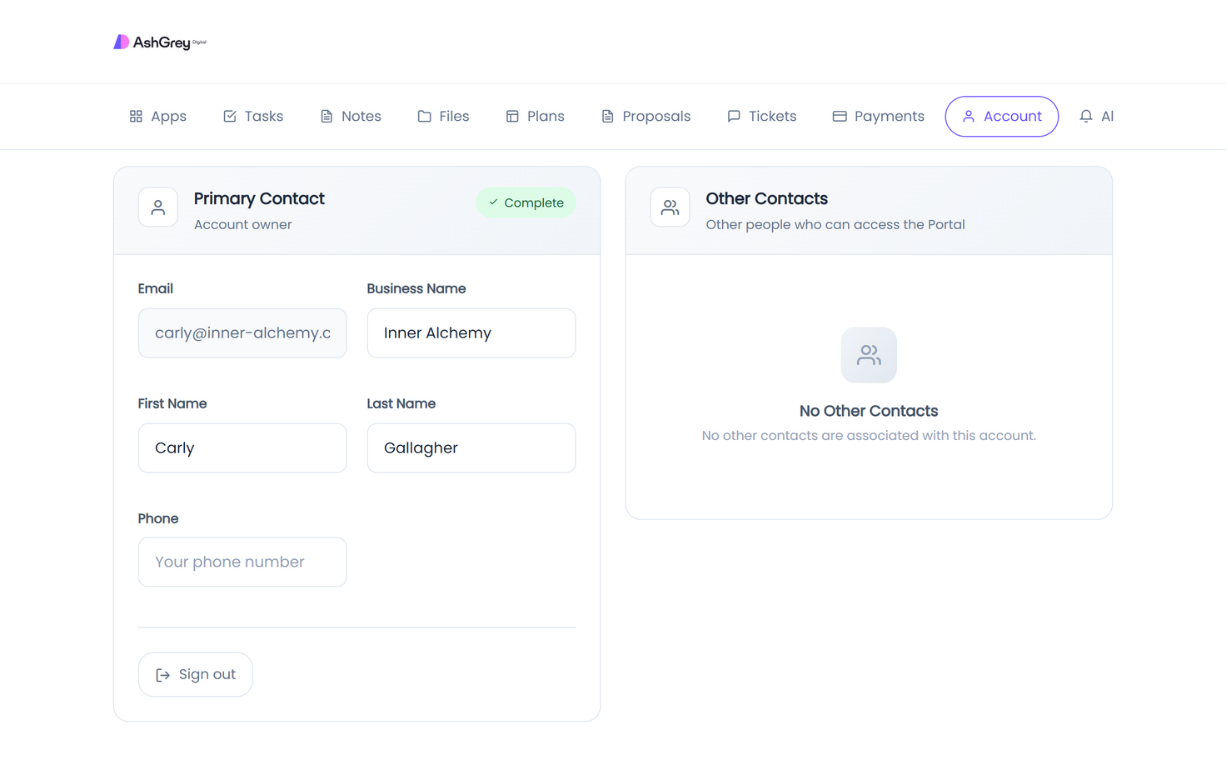
Account Management
Clients can manage their own account details — primary contact information, business name, and phone number. Other contacts associated with the account are listed alongside, keeping everyone who needs portal access in one place.
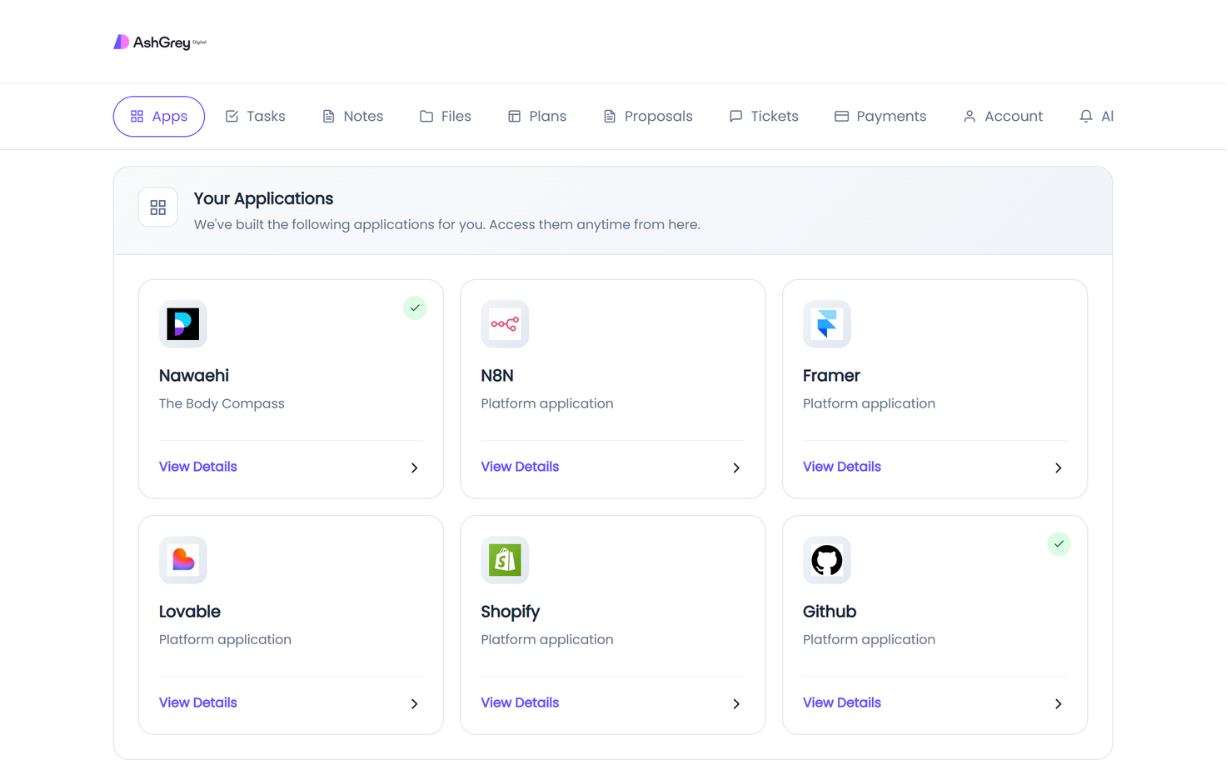
Applications
The Apps tab gives clients a grid of every application your agency has built for them. Each card shows the app name, tagline, icon, and deployment status — with a link to view full details.
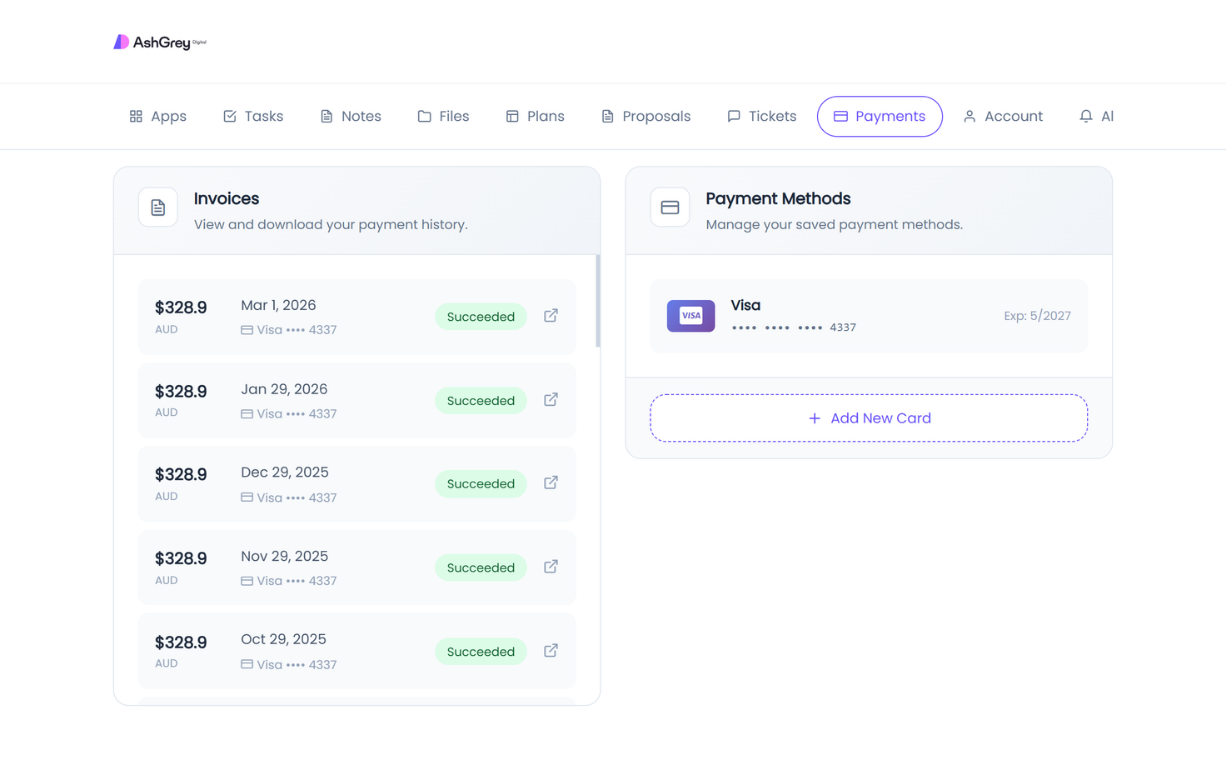
Payments & Invoices
Clients can view their full invoice history and manage saved payment methods. Each invoice shows the amount, date, payment status, and card used — with a link to the receipt.
Additional Portal Sections
The portal includes dedicated tabs for every part of the client relationship:
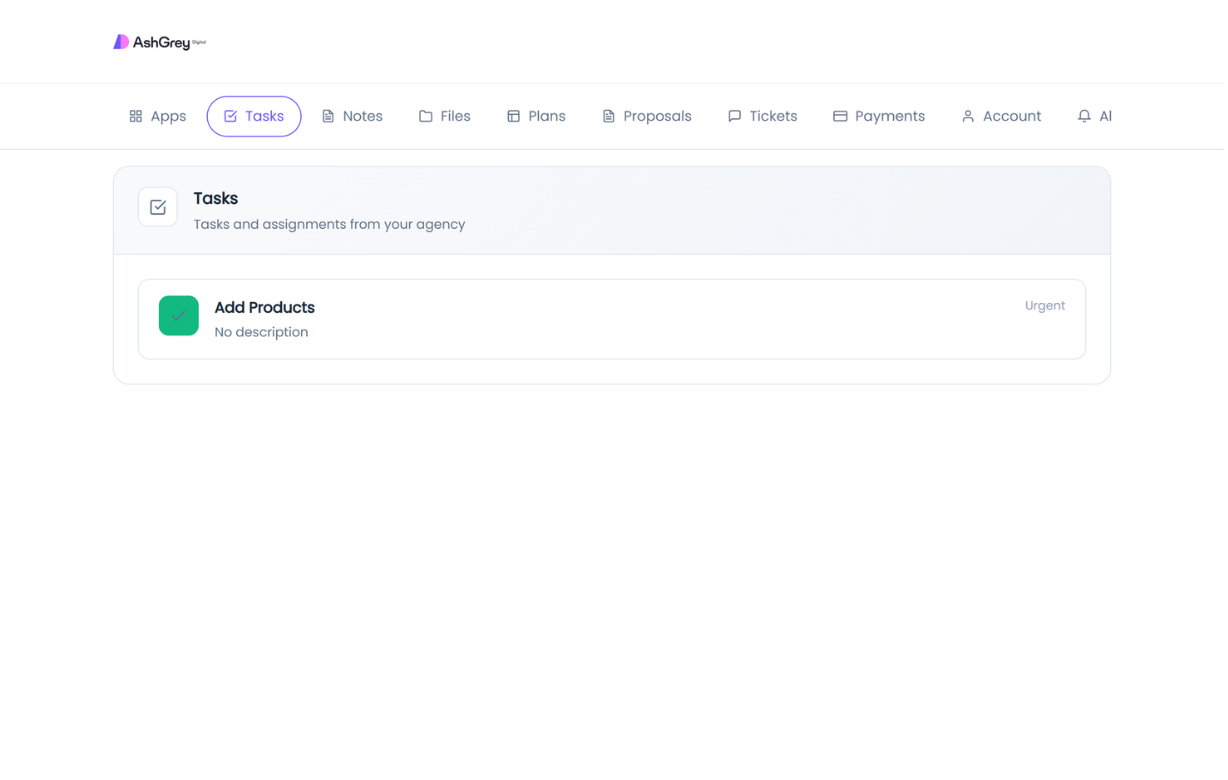
Tasks
Clients see tasks and assignments from the agency, each with a priority level and description.
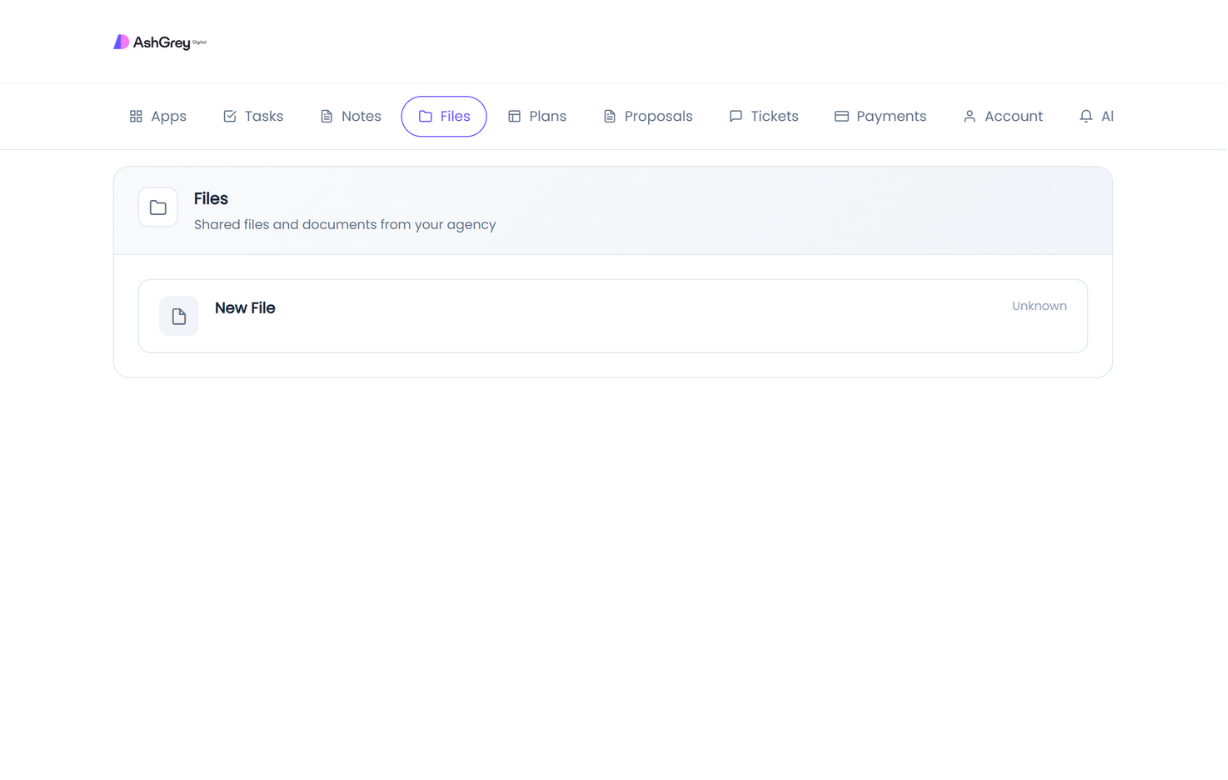
Files
Shared files and documents are accessible in one place.
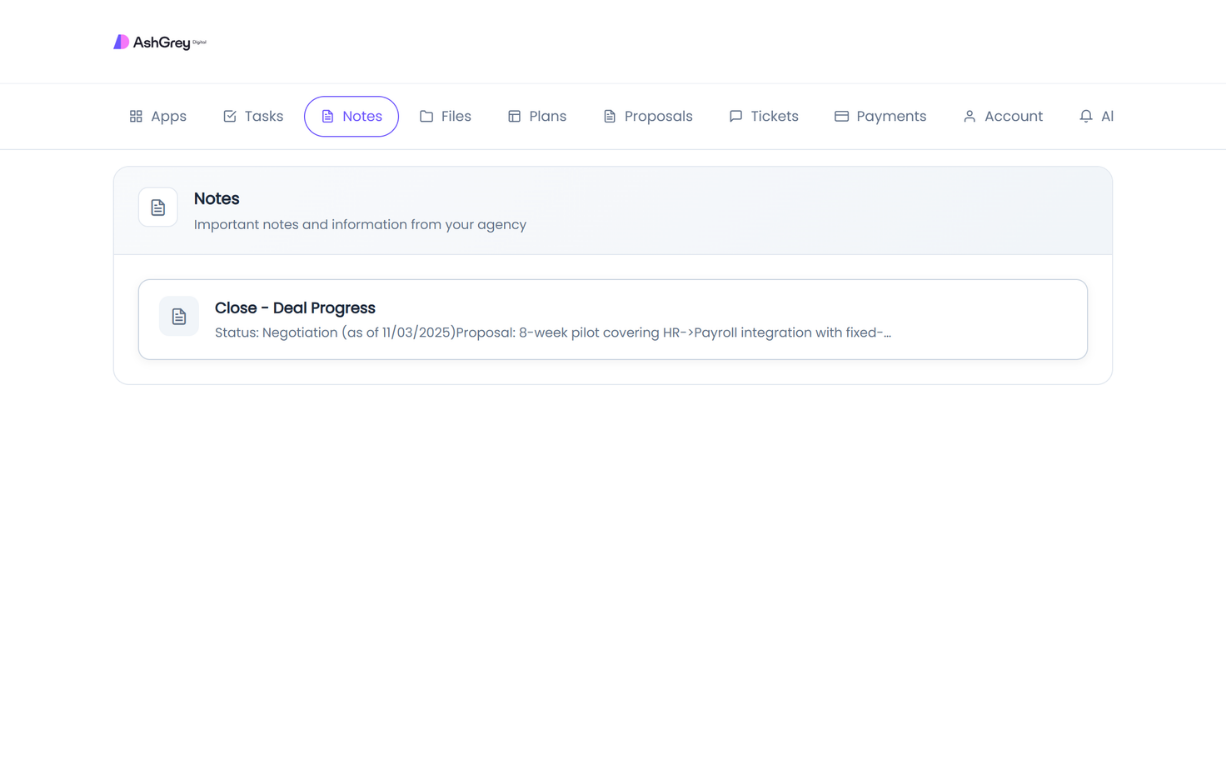
Notes
Important notes and information shared by the agency appear here for easy reference.
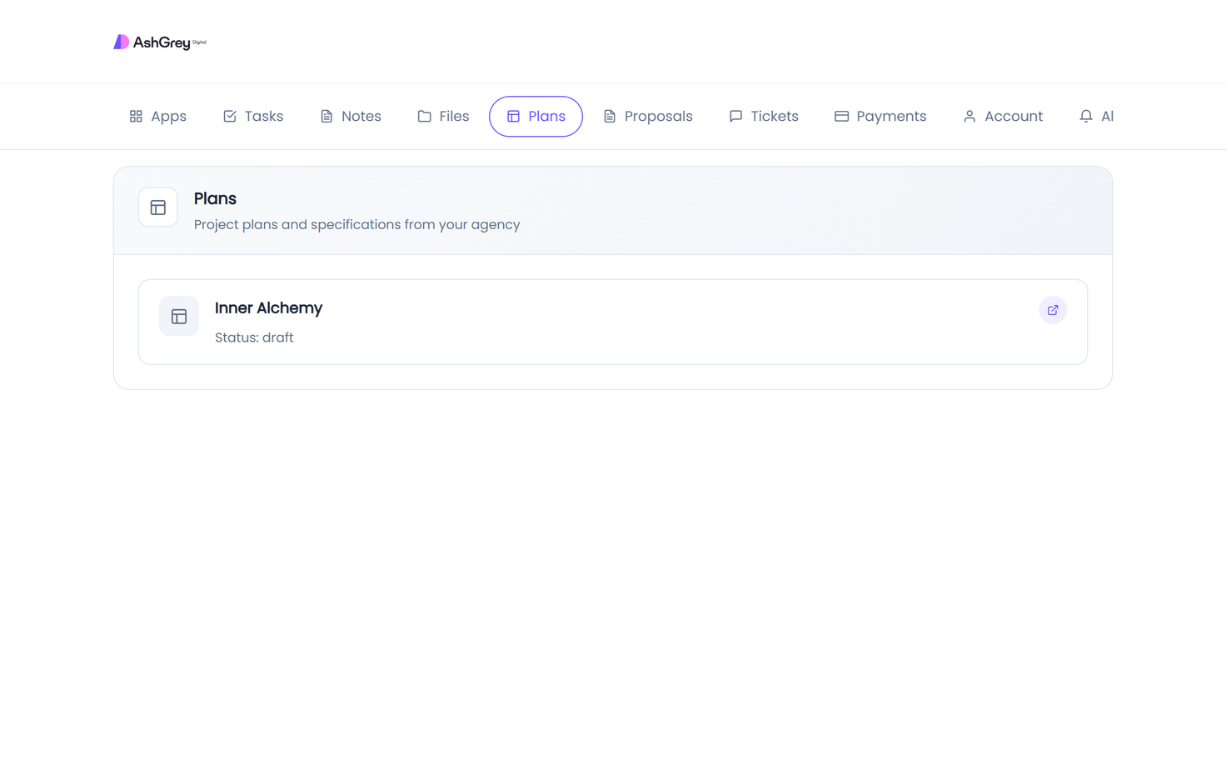
Plans
Clients can review project plans and specifications, including their current status.
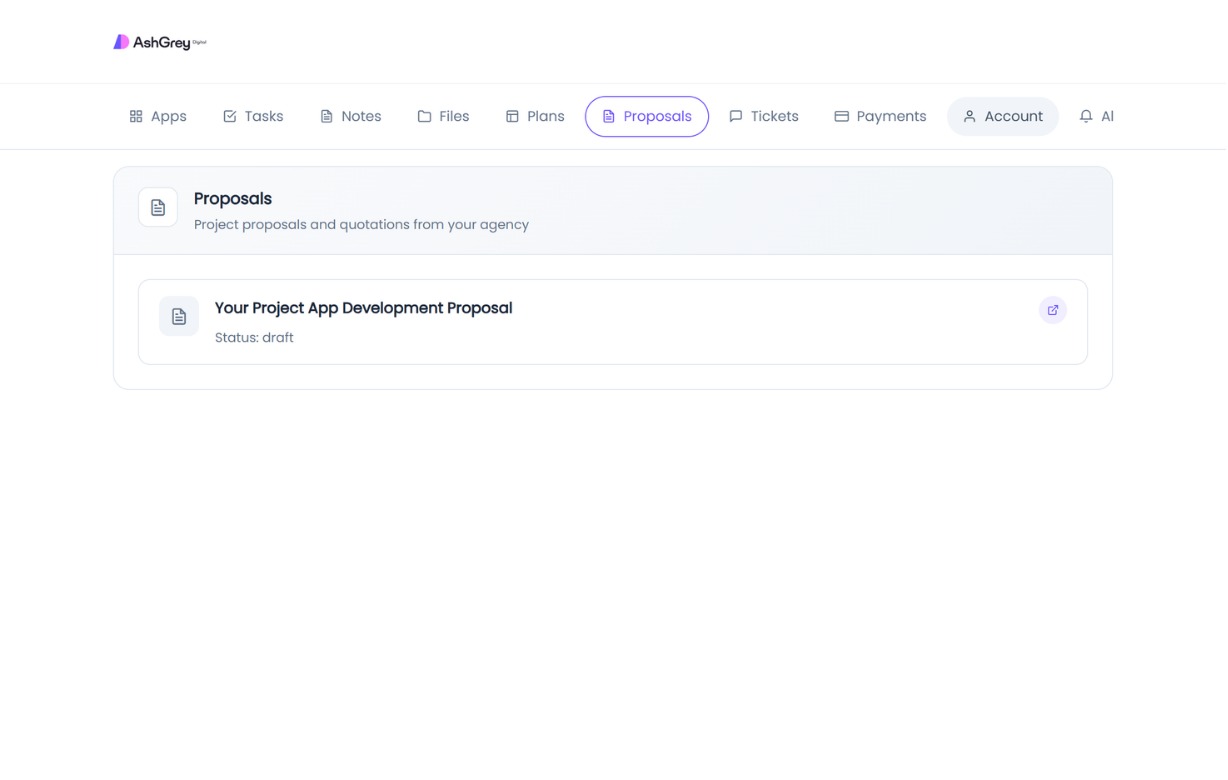
Proposals
Project proposals and quotations are available for review, with links to the full document.
Tickets
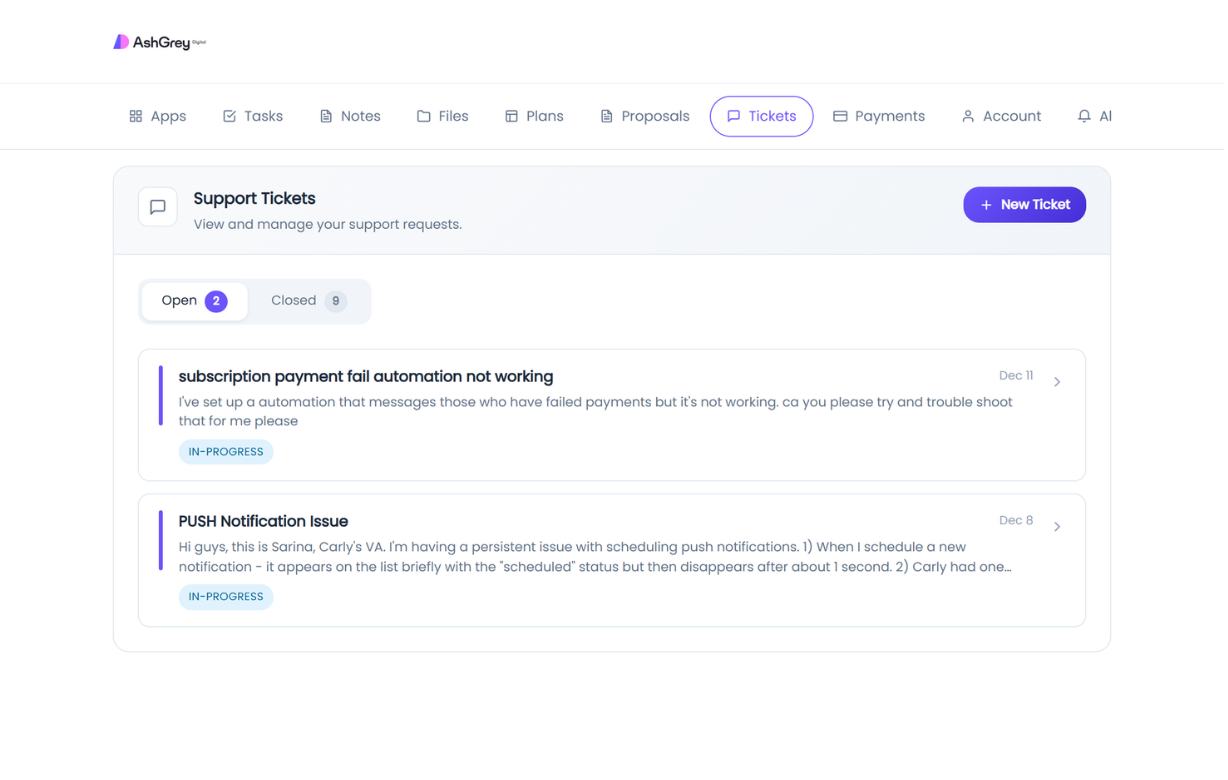
Clients can view and create support tickets, track their status, and see open vs closed counts.
Deliver better software, faster.
Start with Platfio, or talk with us about how it fits your agency workflow.