Pages
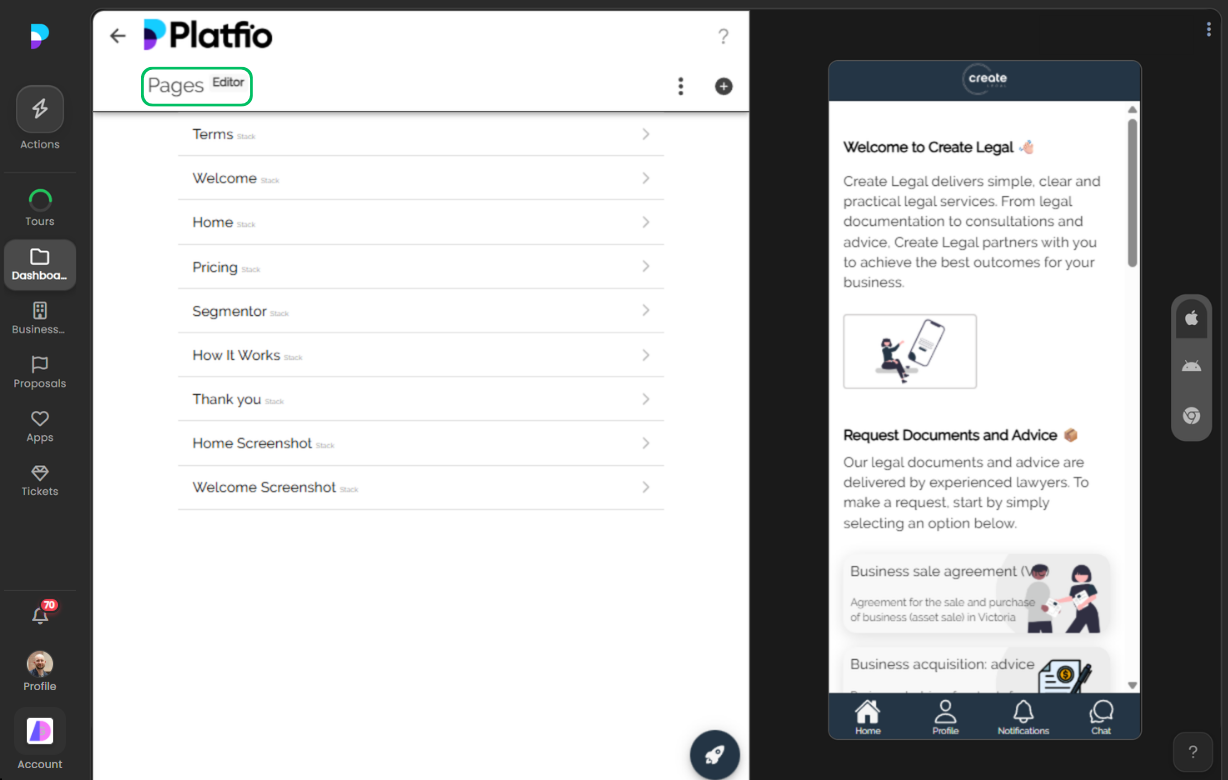
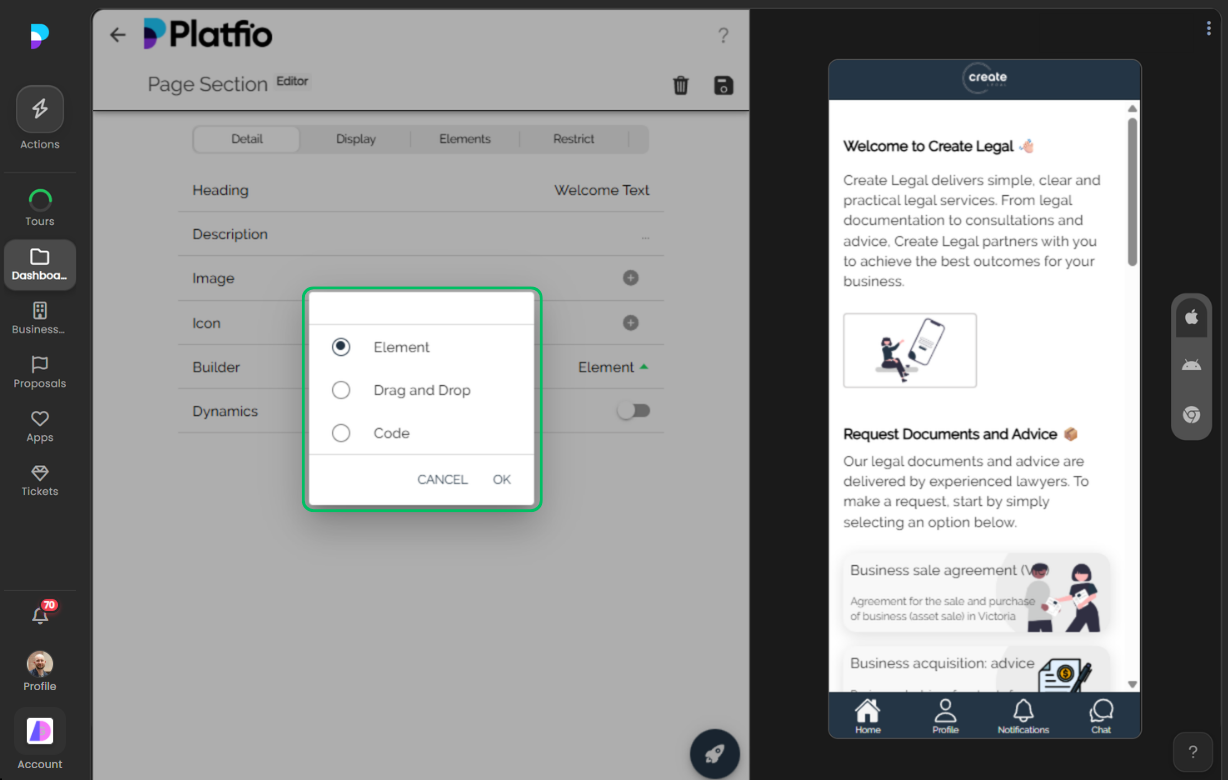
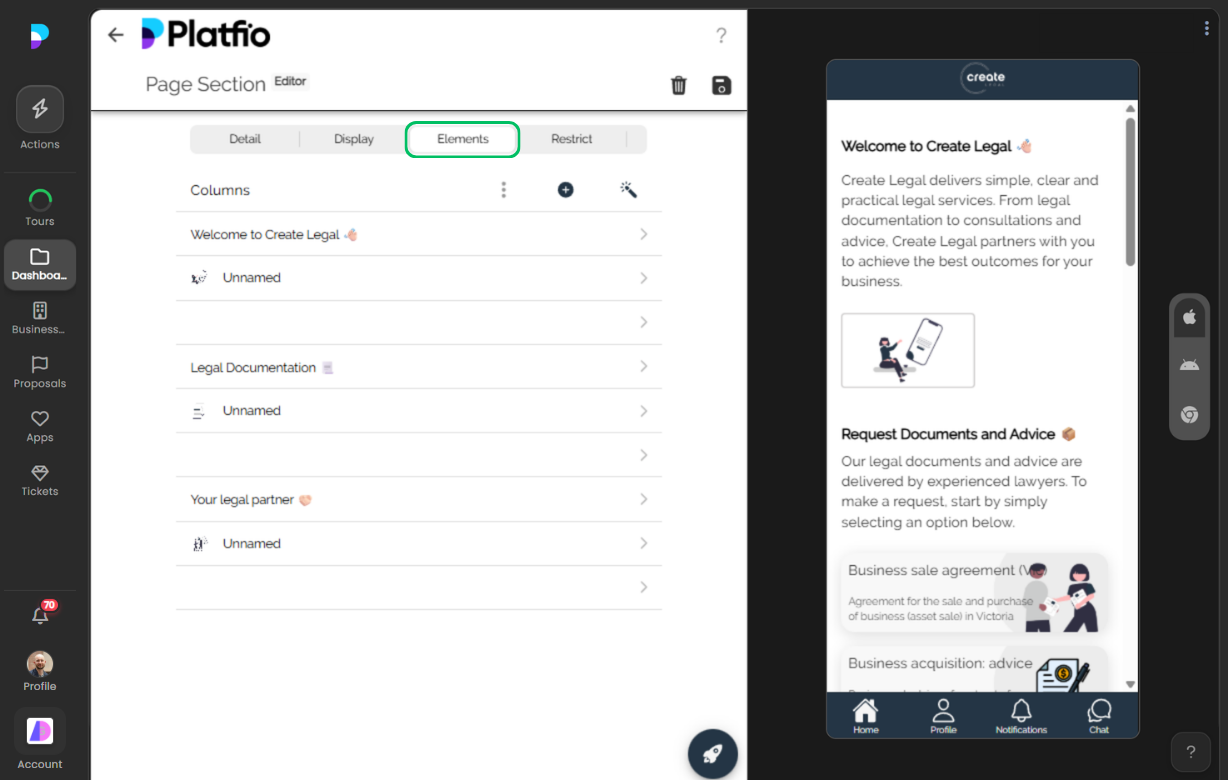
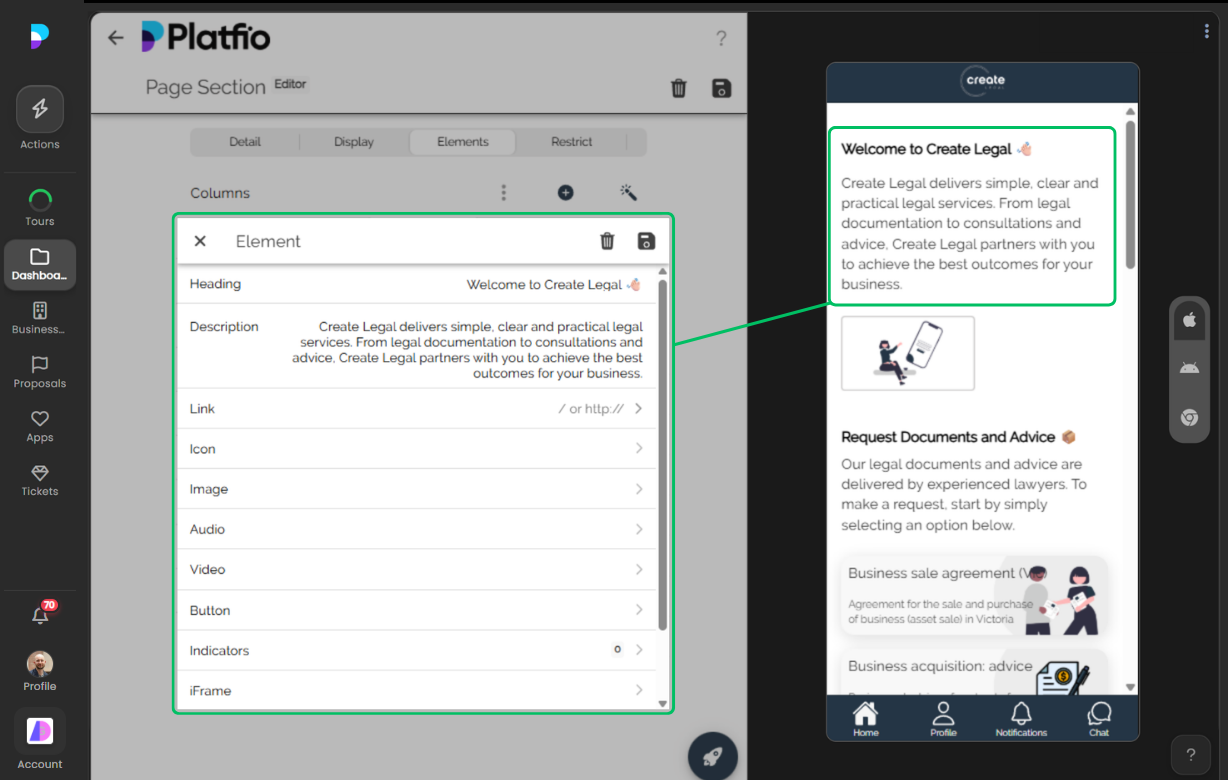
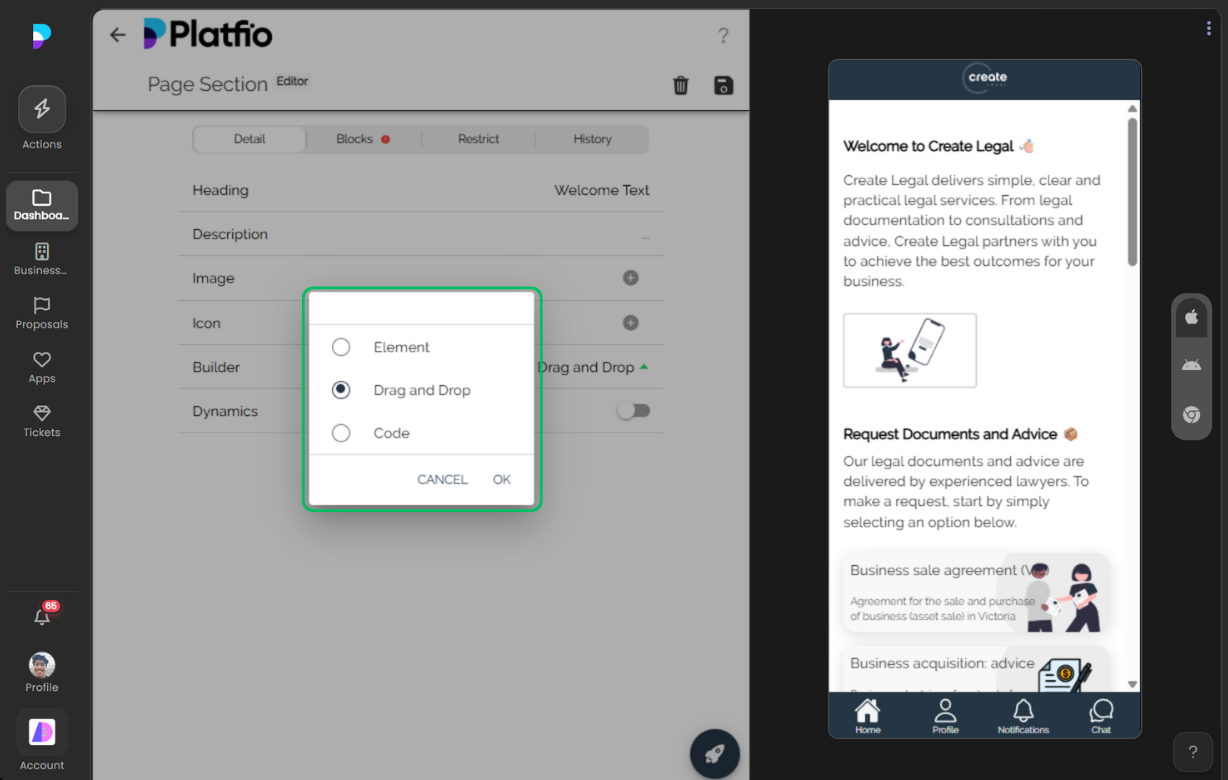
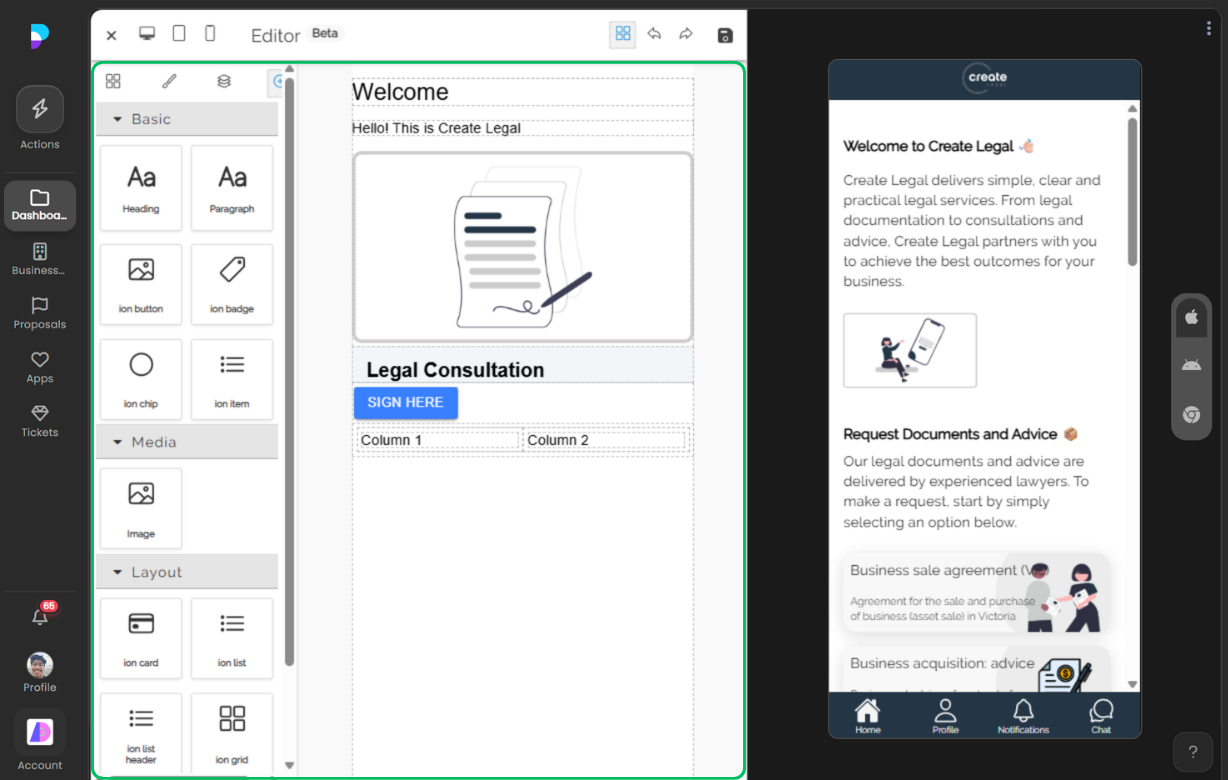
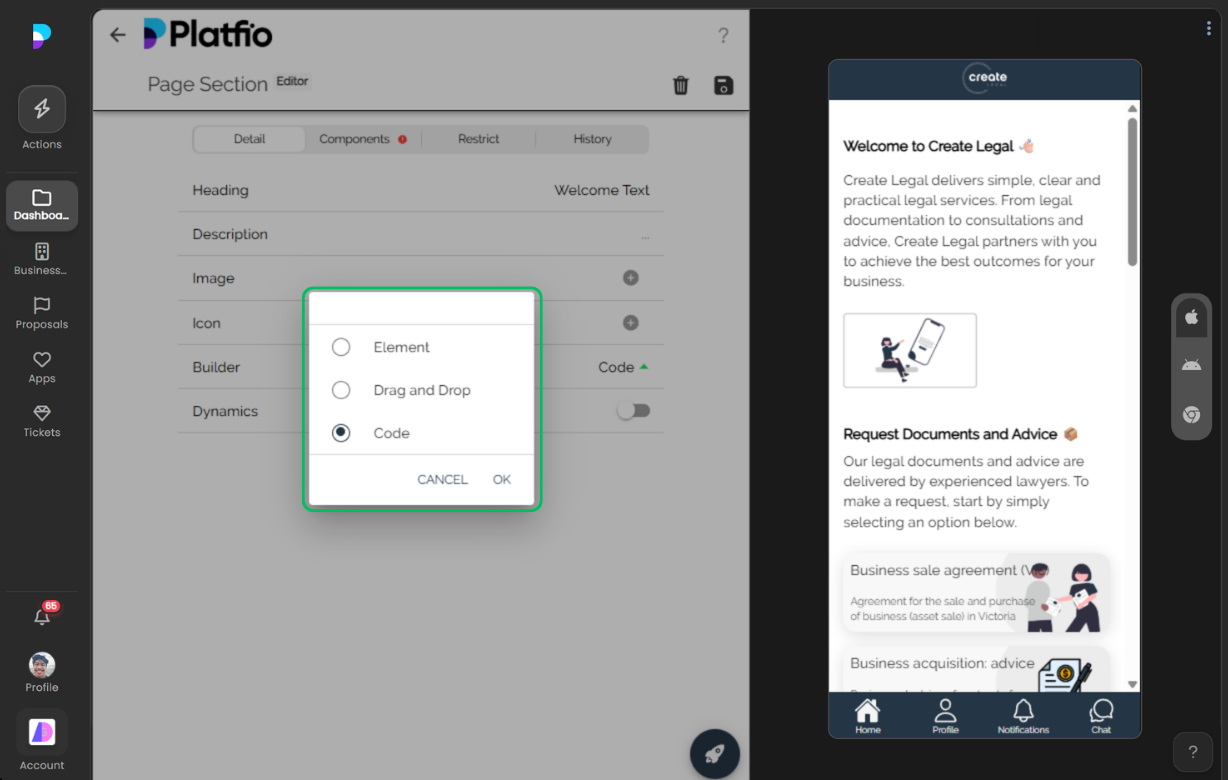
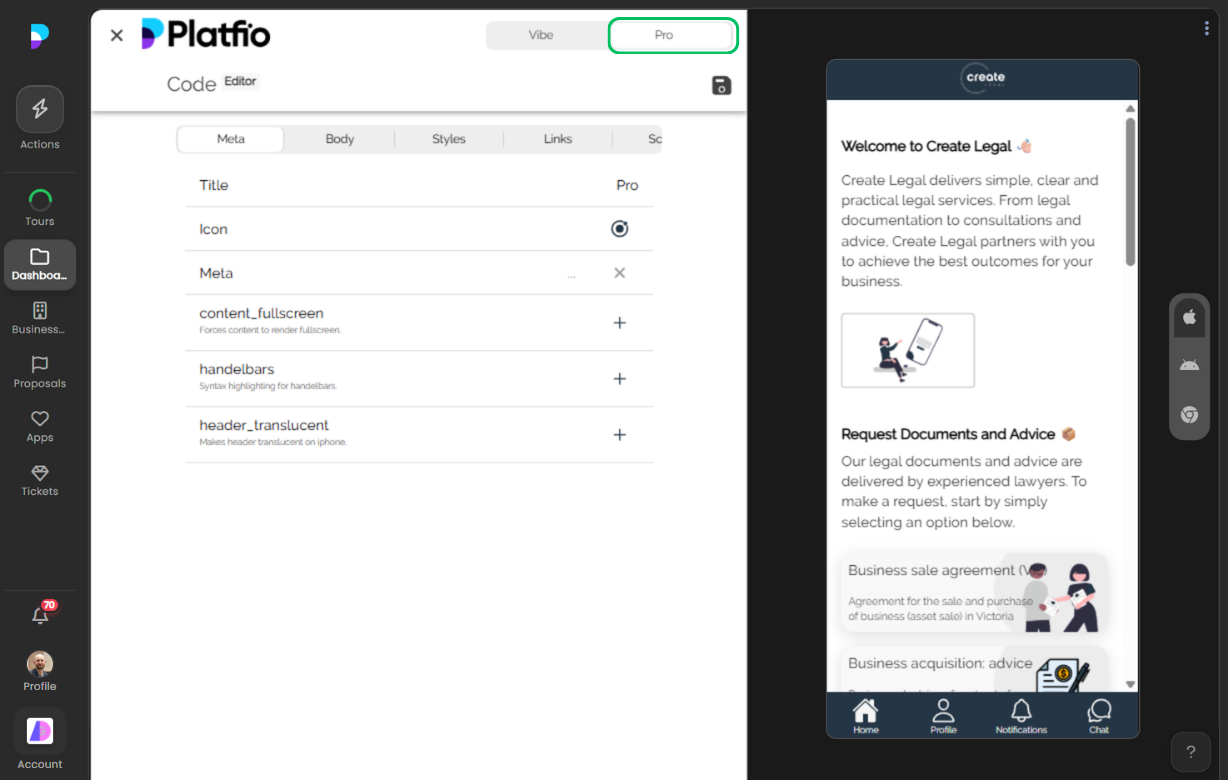
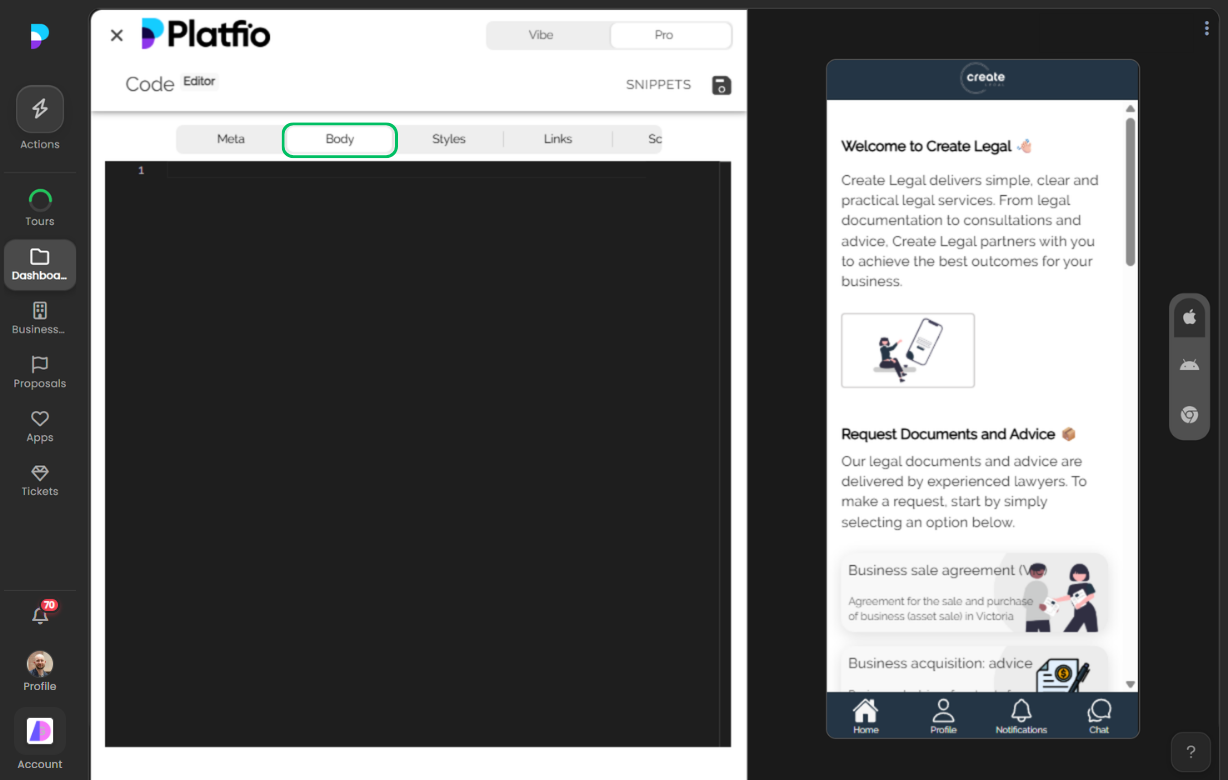
Build custom pages with drag-and-drop no-code elements or write code directly for full control.
Pages is a drop-in custom content and layout module. In the App Builder, this gives agencies business-ready capability without rebuilding the same foundation for every client.
Overview
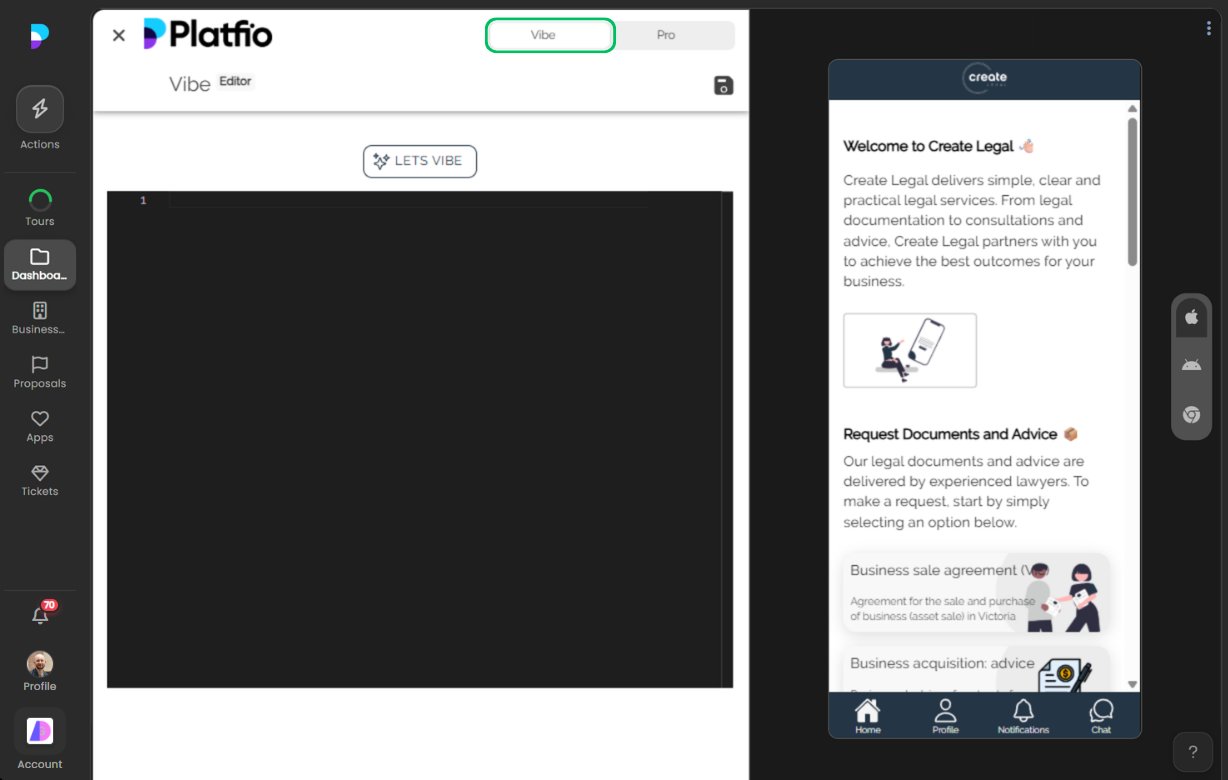
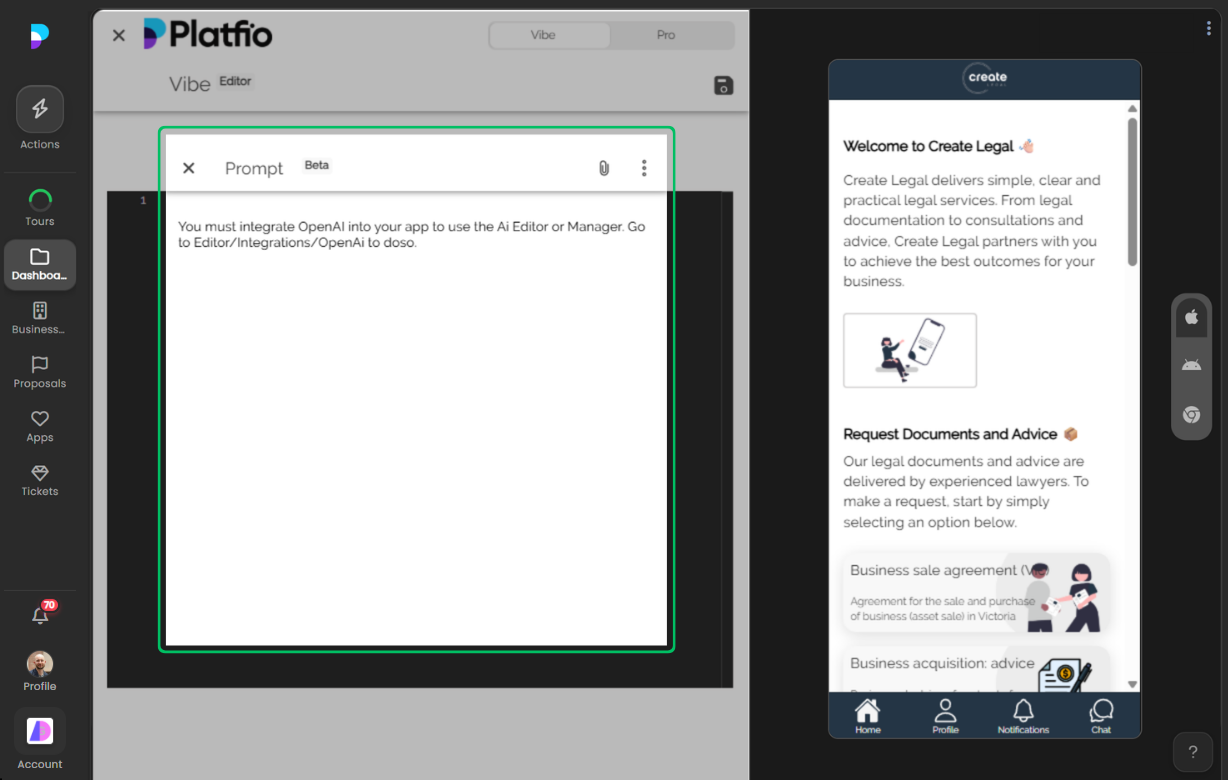
Teams can build pages visually, then switch to advanced code or prompt-driven workflows when needed.
- Drop-in module behavior designed for business operations
- Configuration in Editor plus execution in Manager/user flows
- Clear path from setup to day-to-day operational use
- Composable with other Platfio modules for complete app workflows
How It Works
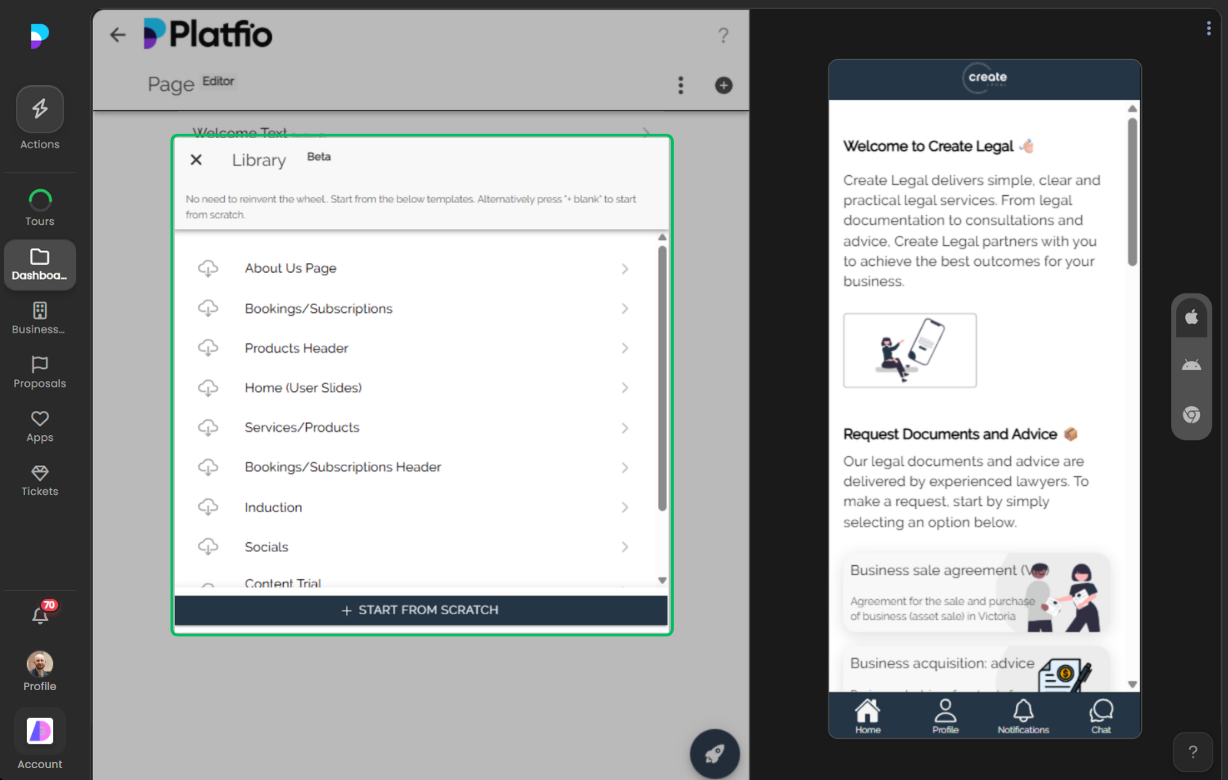
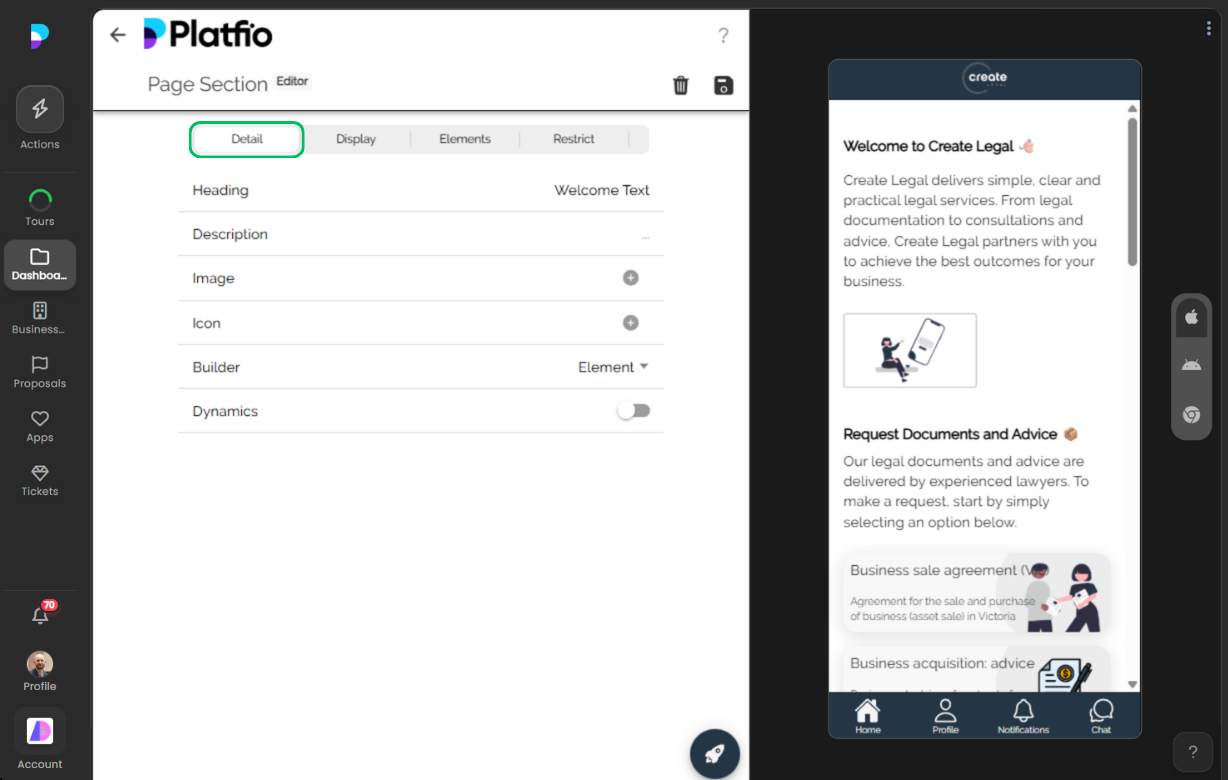
1) Configure the module in the builder
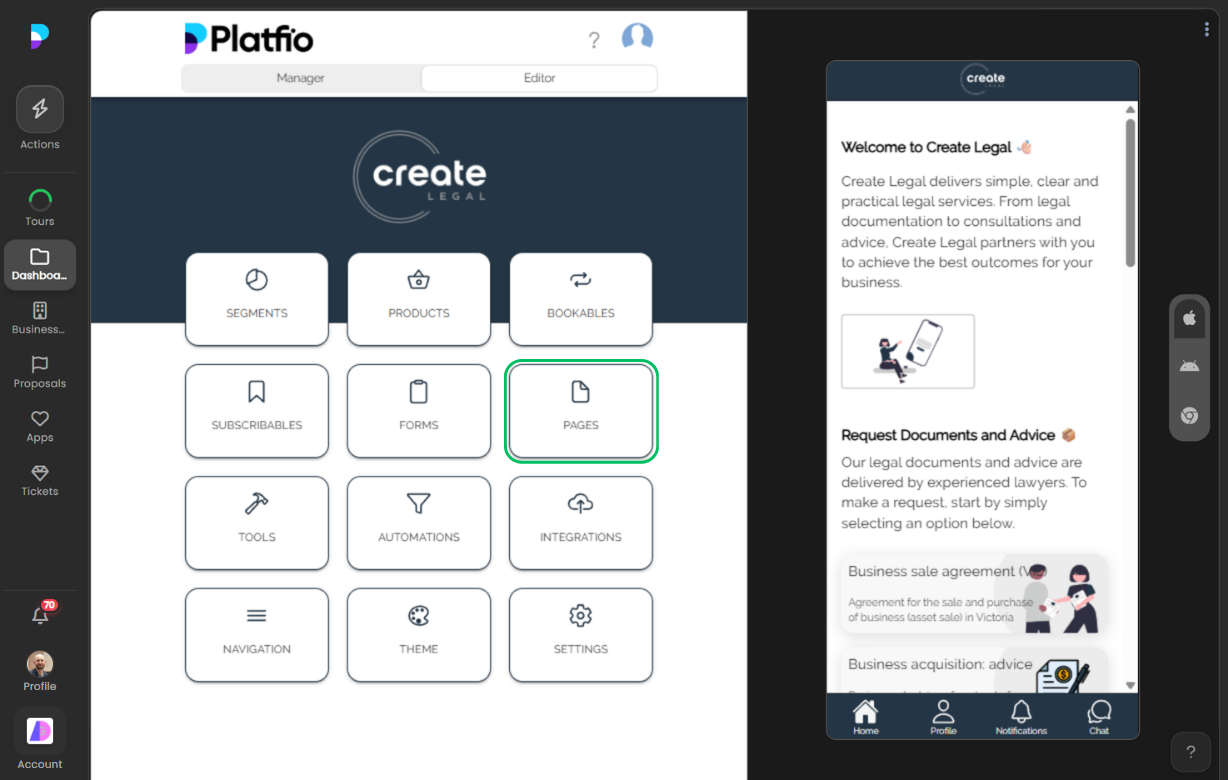
Teams begin in Editor by enabling the module, shaping core structure, and setting the rules that determine how this feature behaves in live operations.
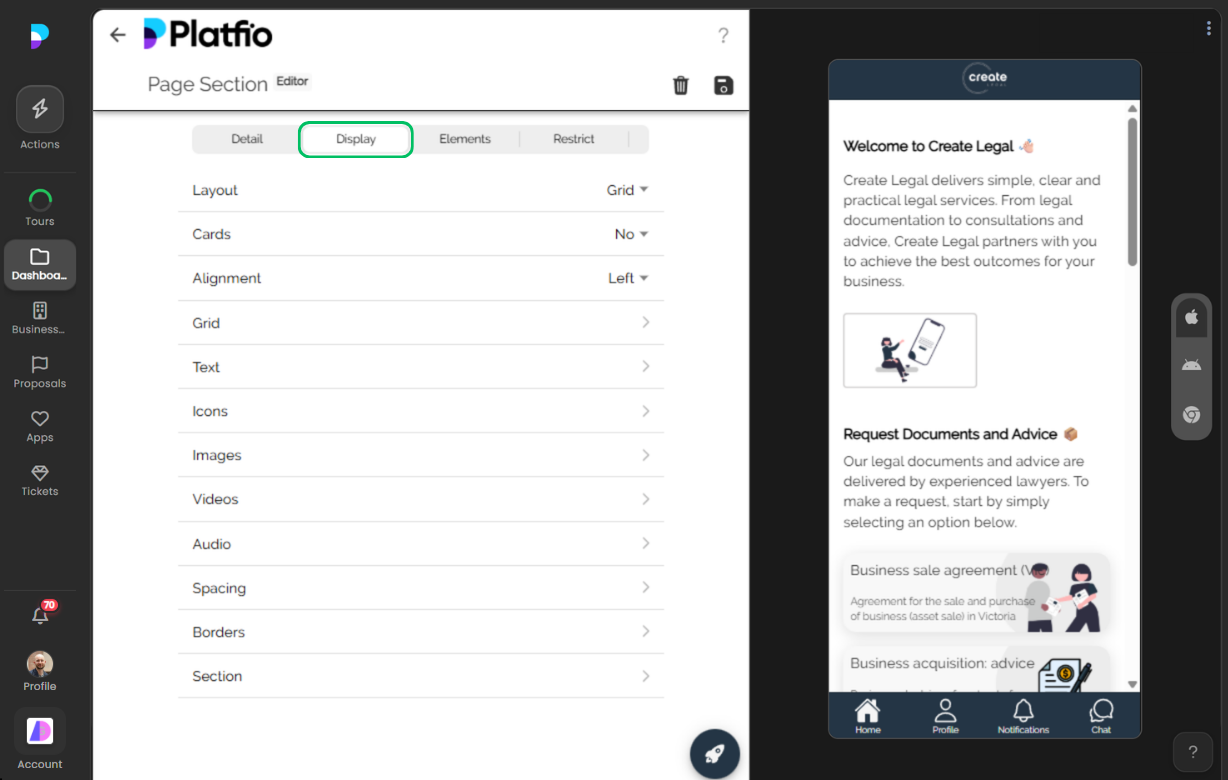
2) Publish and run the customer/staff workflow
Once configured, the module is exposed in app navigation and used in real workflows by customers and staff.
3) Operate, monitor, and optimize
Manager and reporting views then provide the operational feedback loop teams need to manage quality, throughput, and outcomes.
Why This Matters for Business Apps
Like the rest of the platform, this module is built to deliver practical business outcomes quickly while still allowing deep configuration as client requirements evolve.
Deliver better software, faster.
Start with Platfio, or talk with us about how it fits your agency workflow.