

Automations
Build automated workflows that trigger on events, process data, and connect features — extensible with custom Node.js code.
Automations is where Platfio moves from static software to active operations. As a drop-in module in the App Builder, it lets teams define what events should trigger workflows, what conditions must be true, and what actions should happen automatically next.
Overview
In practical business use, this means routine follow-up work stops depending on staff memory. You can trigger workflows when an order is created, a booking is submitted, a subscription starts, a recurring payment runs, a form is submitted, or a user enters a segment, then branch logic and actions based on real data.
- Trigger on operational events across orders, bookings, subscriptions, forms, and users
- Filter execution by type, timing, customer segment, or payload conditions
- Chain multiple actions such as status updates, notifications, and downstream tasking
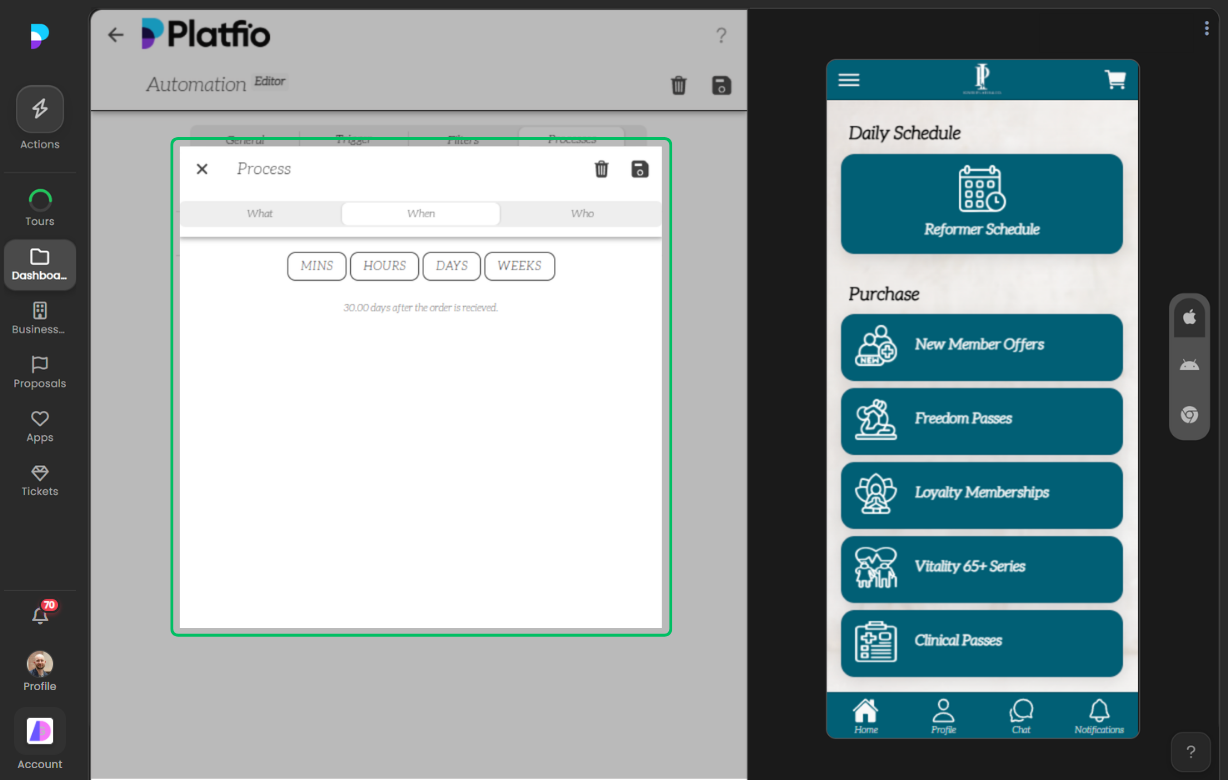
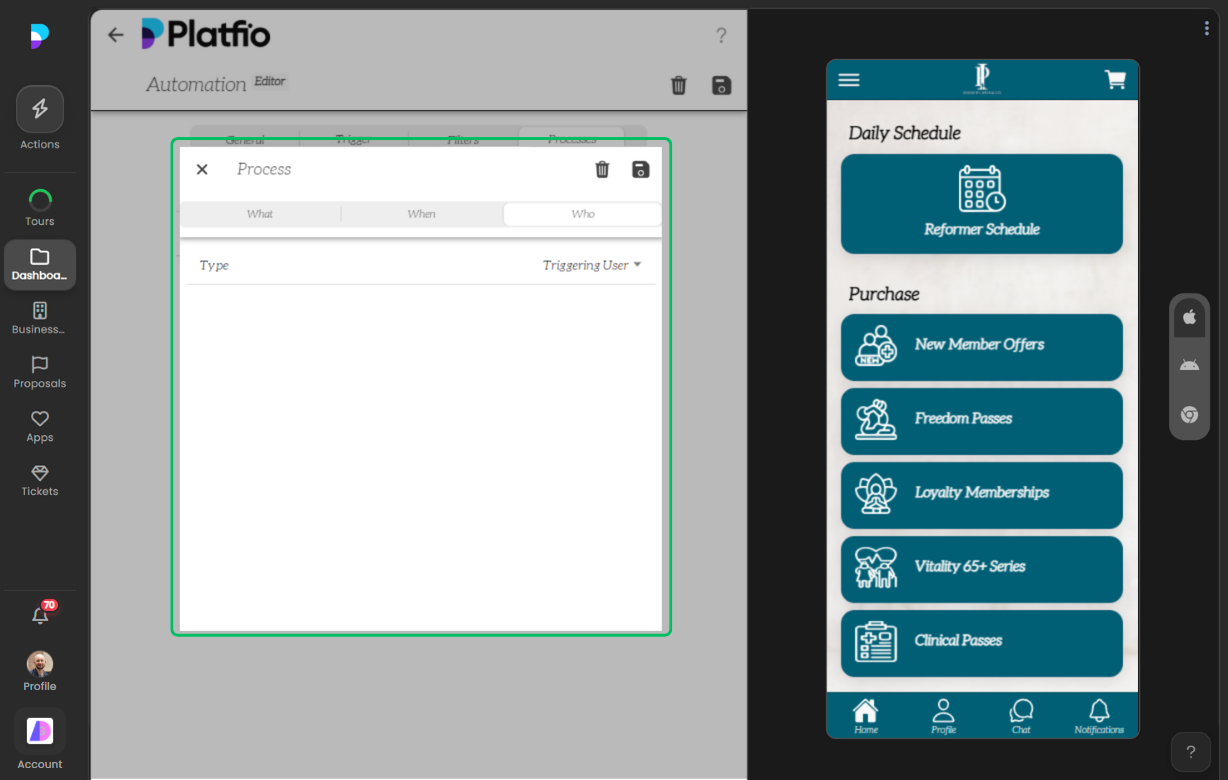
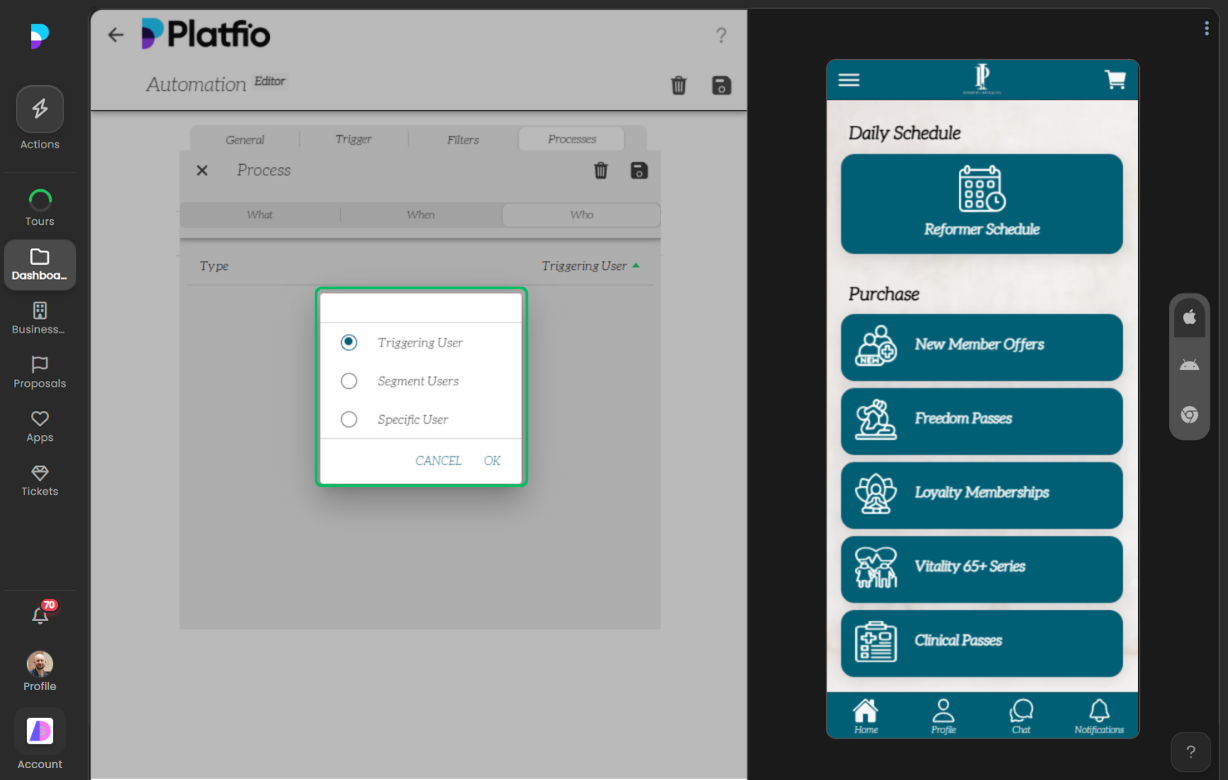
- Control who receives outcomes and when they should run
How It Works
1) Build the automation foundation
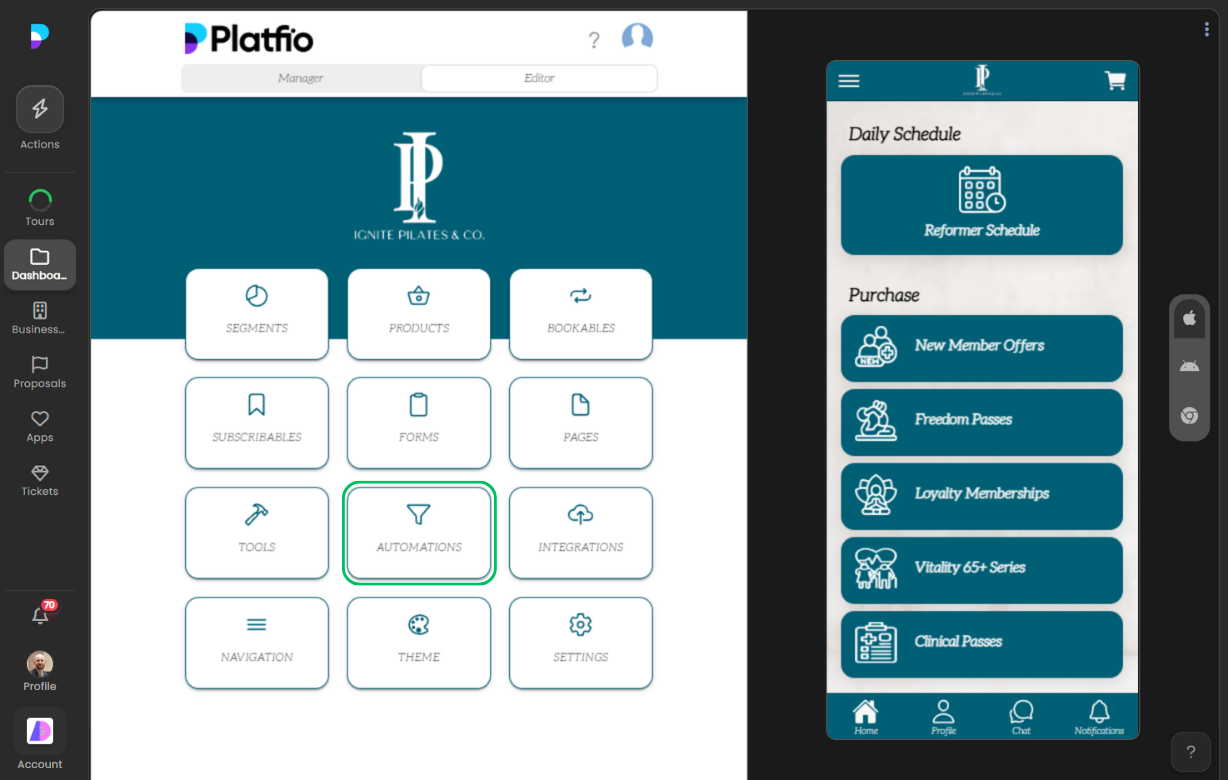
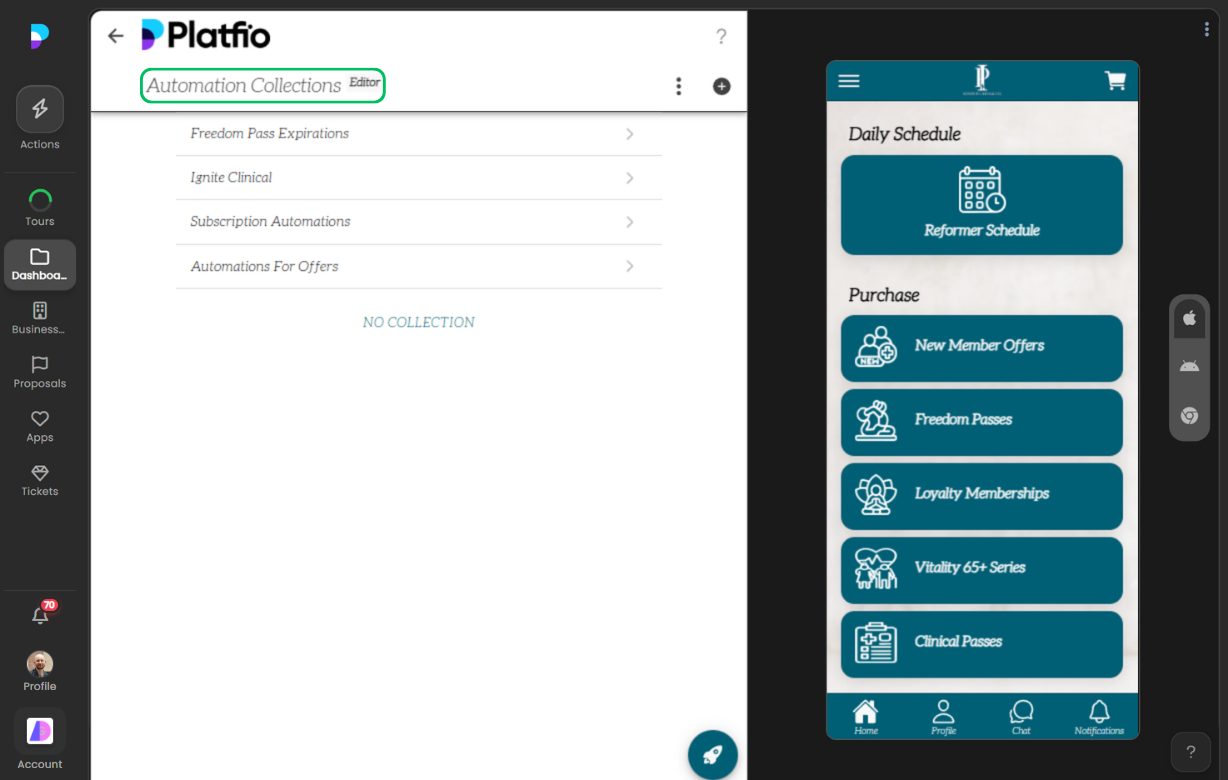
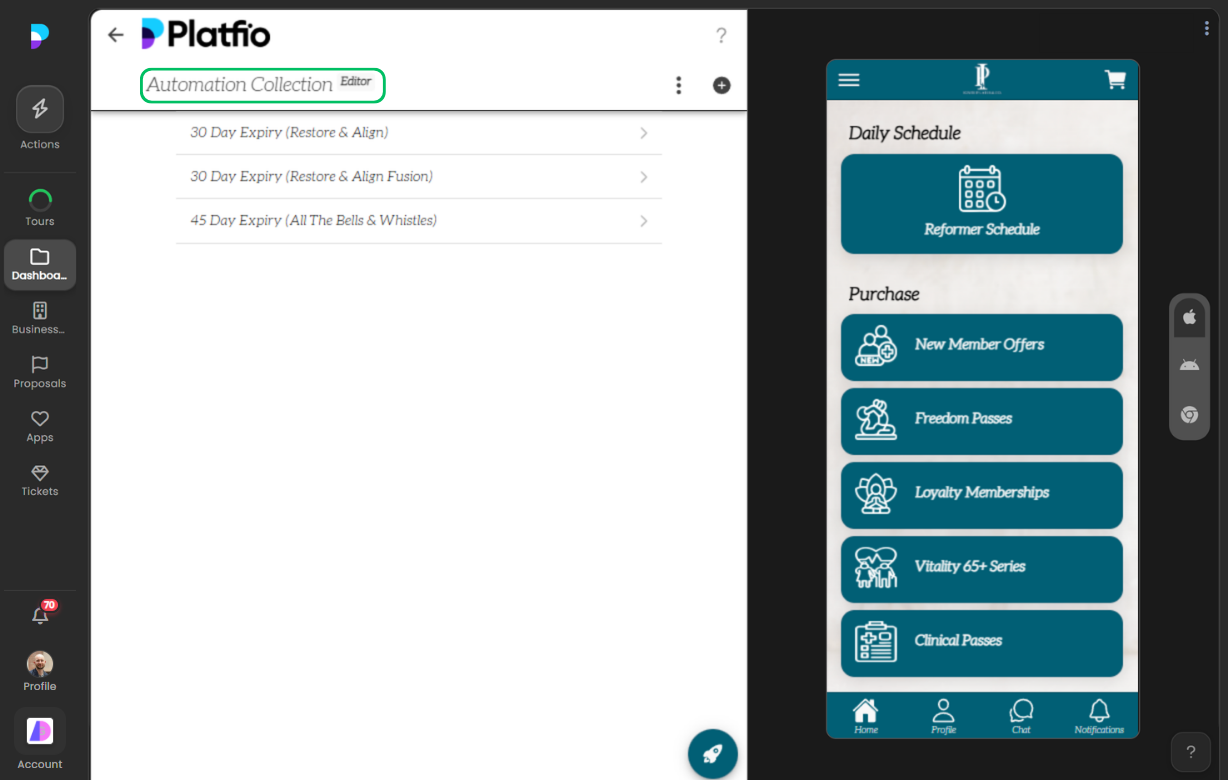
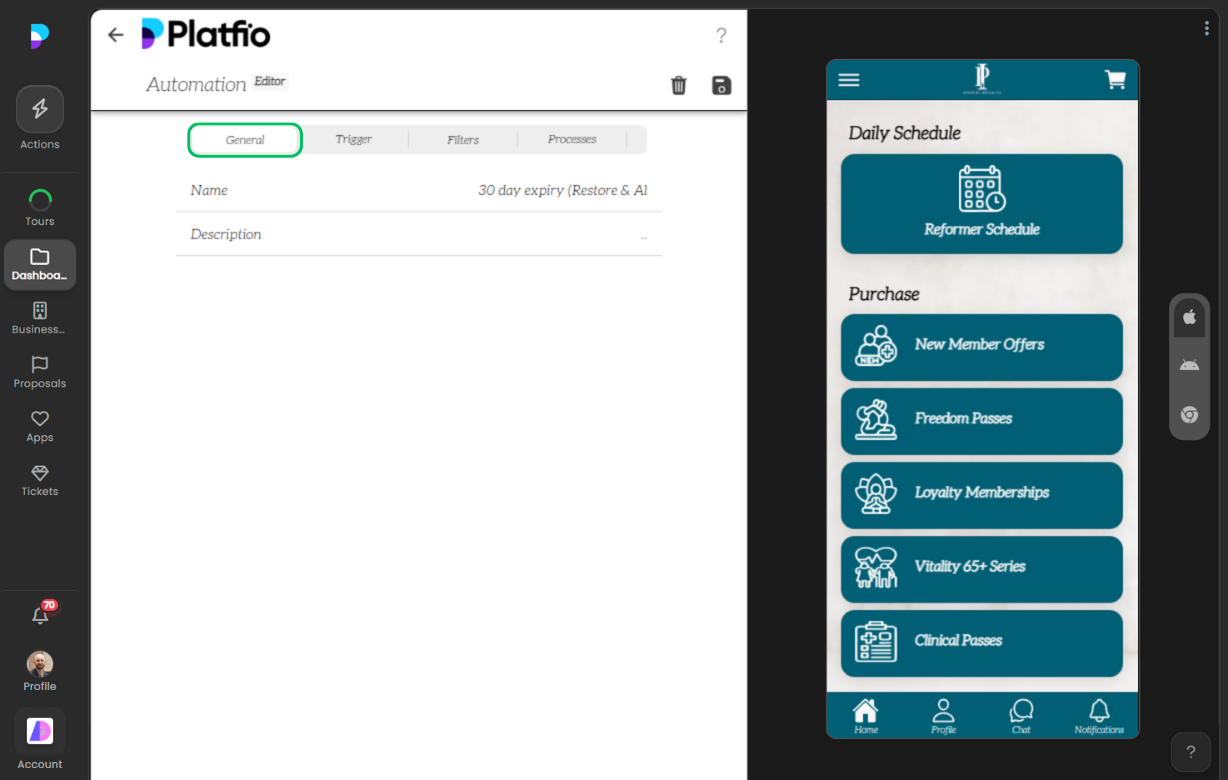
Teams start in the editor by defining collections, structure, and base workflow settings so automations are tied to clean, reliable data models.
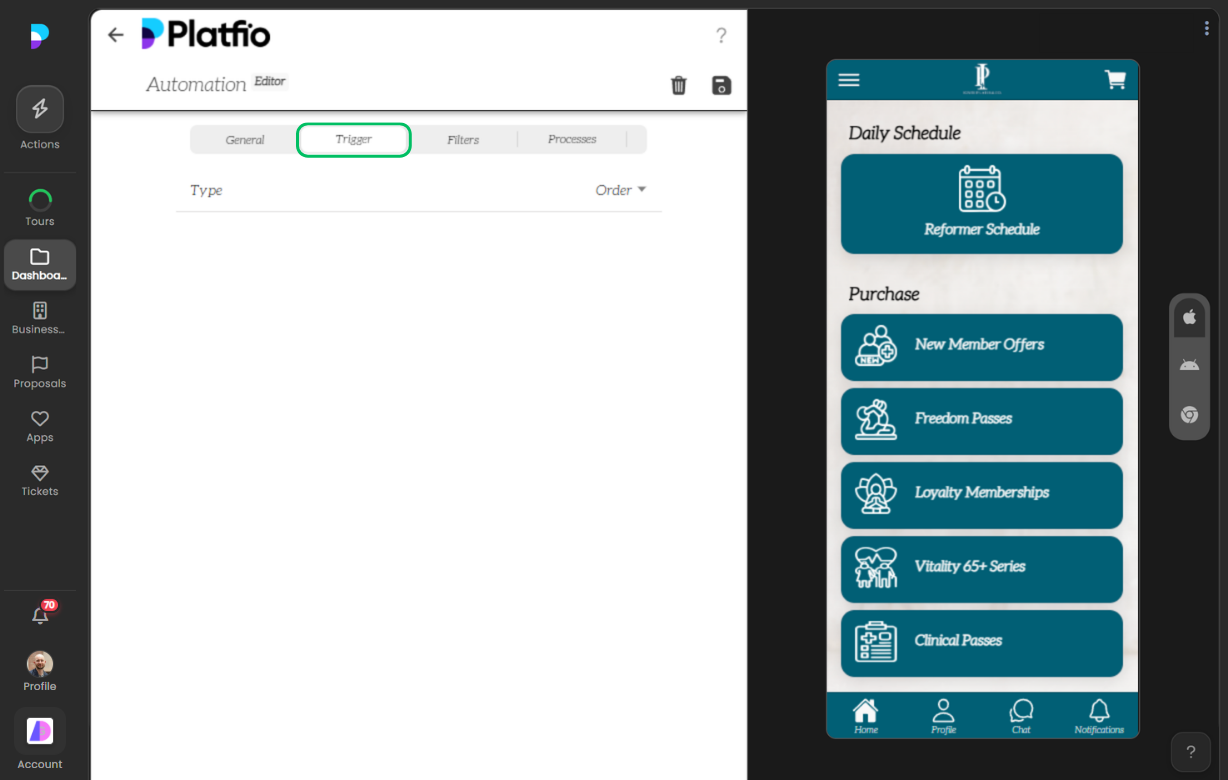
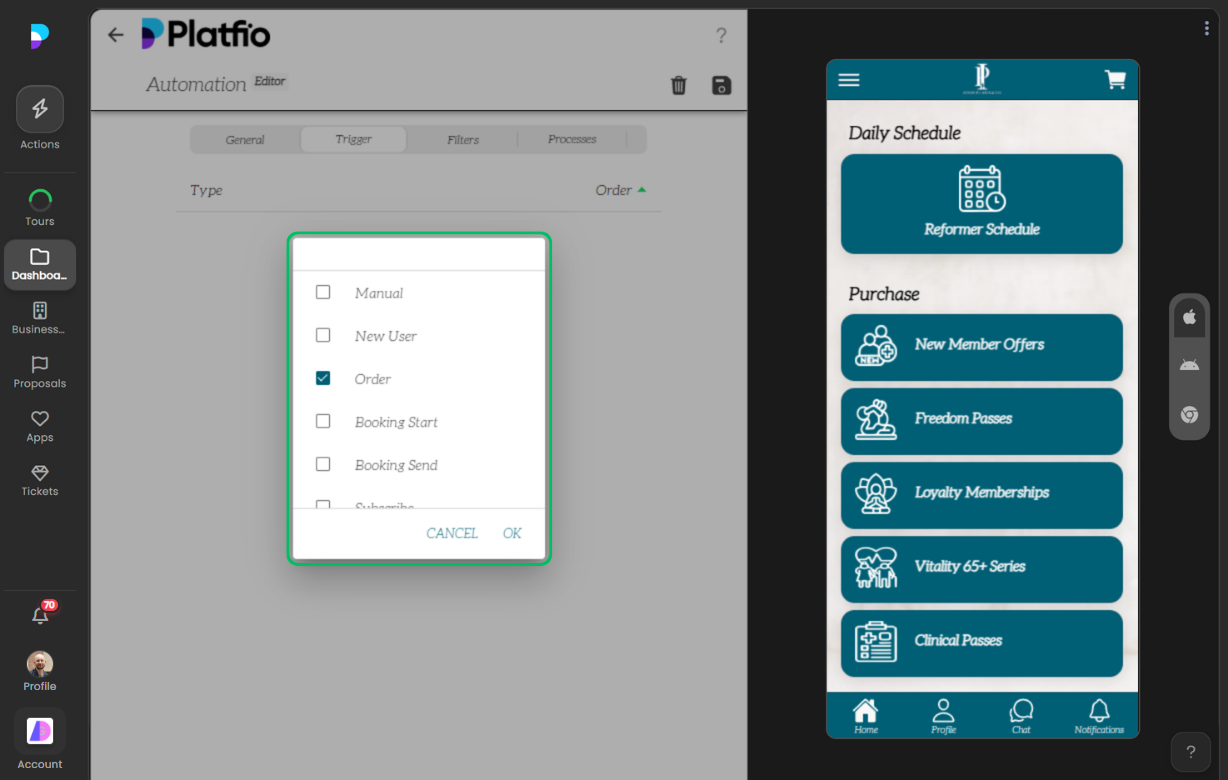
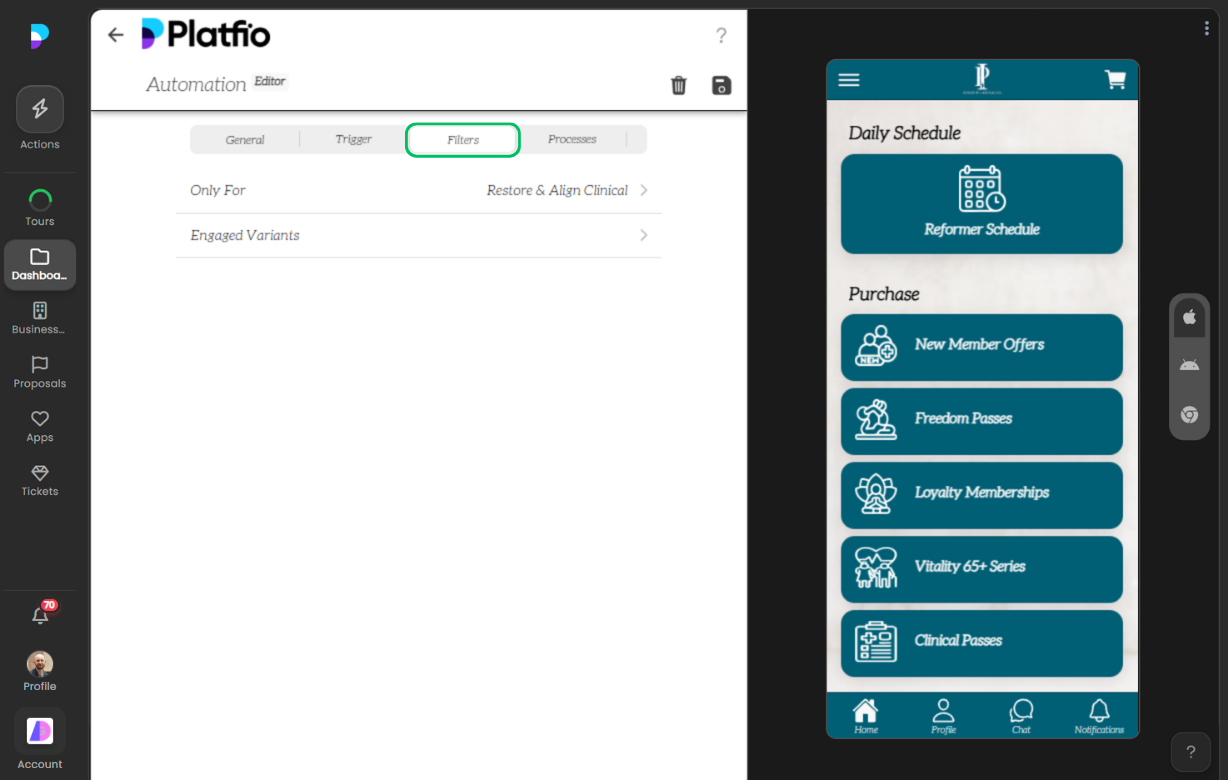
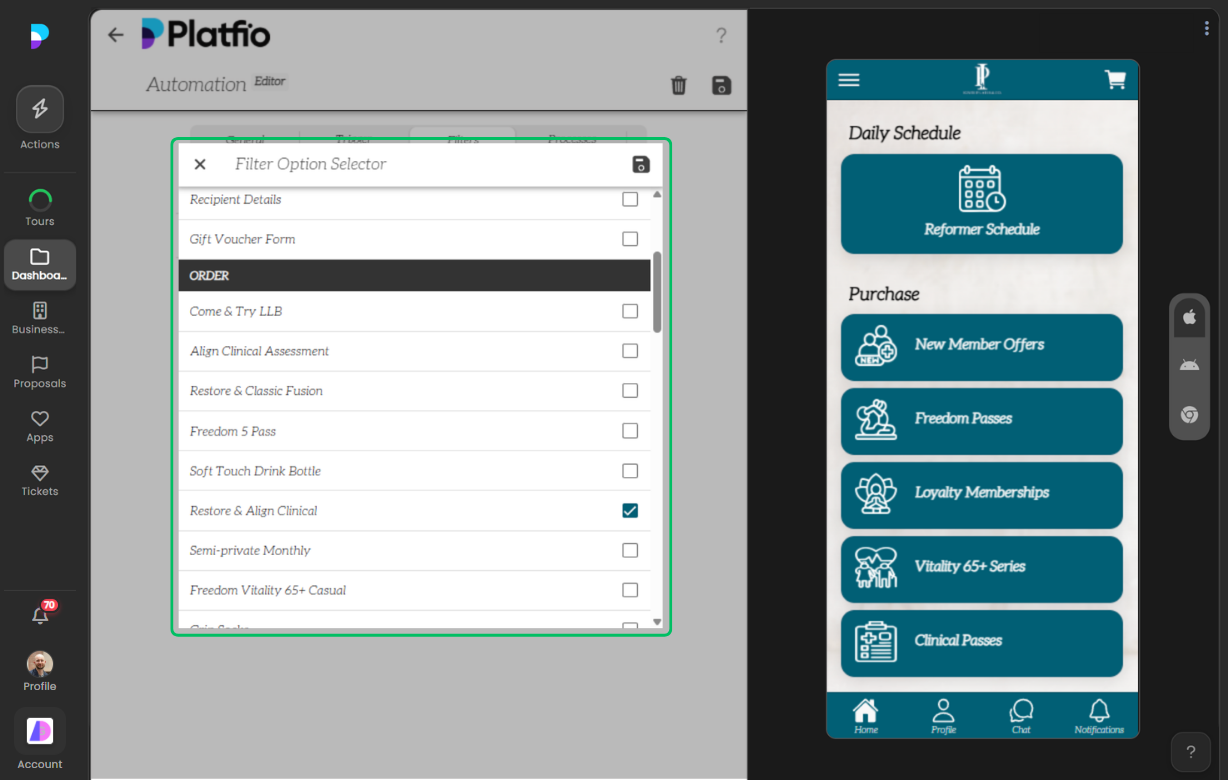
2) Define trigger logic and filtering
Next, teams choose the triggering event and narrow execution with type and filter controls so workflows run only when business conditions are actually met.
3) Define process actions
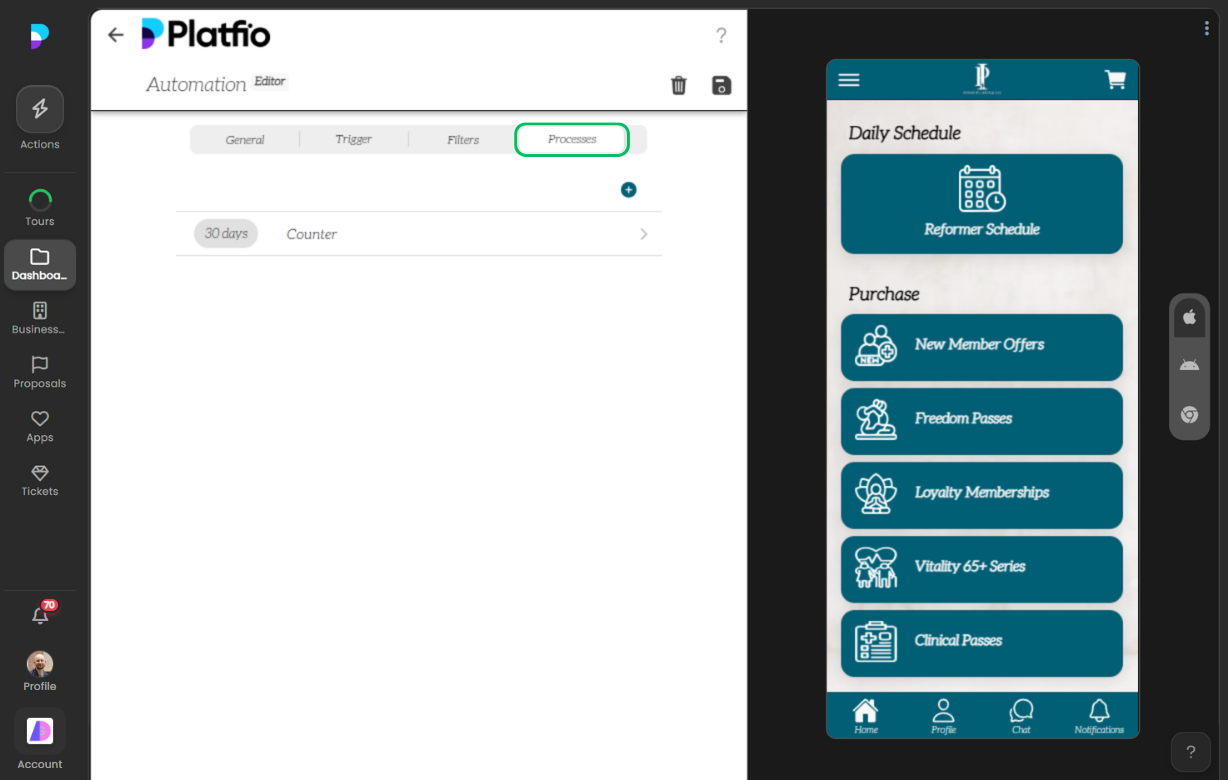
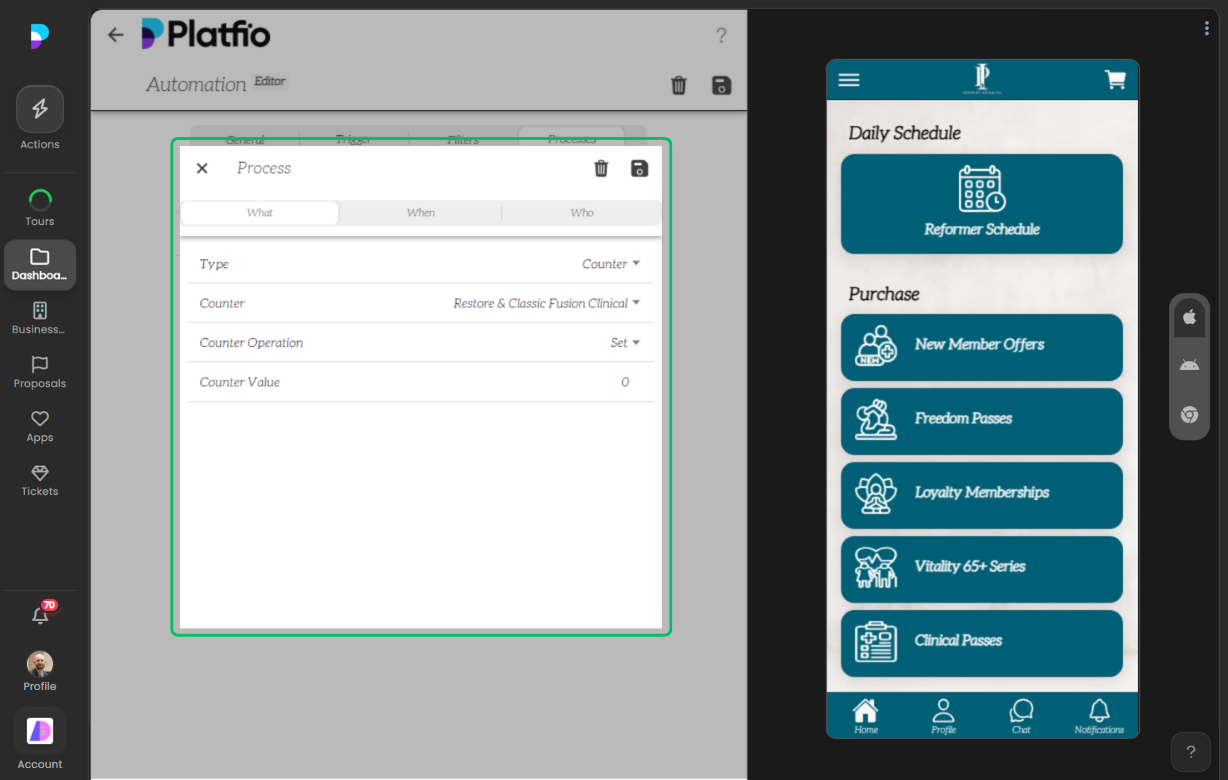
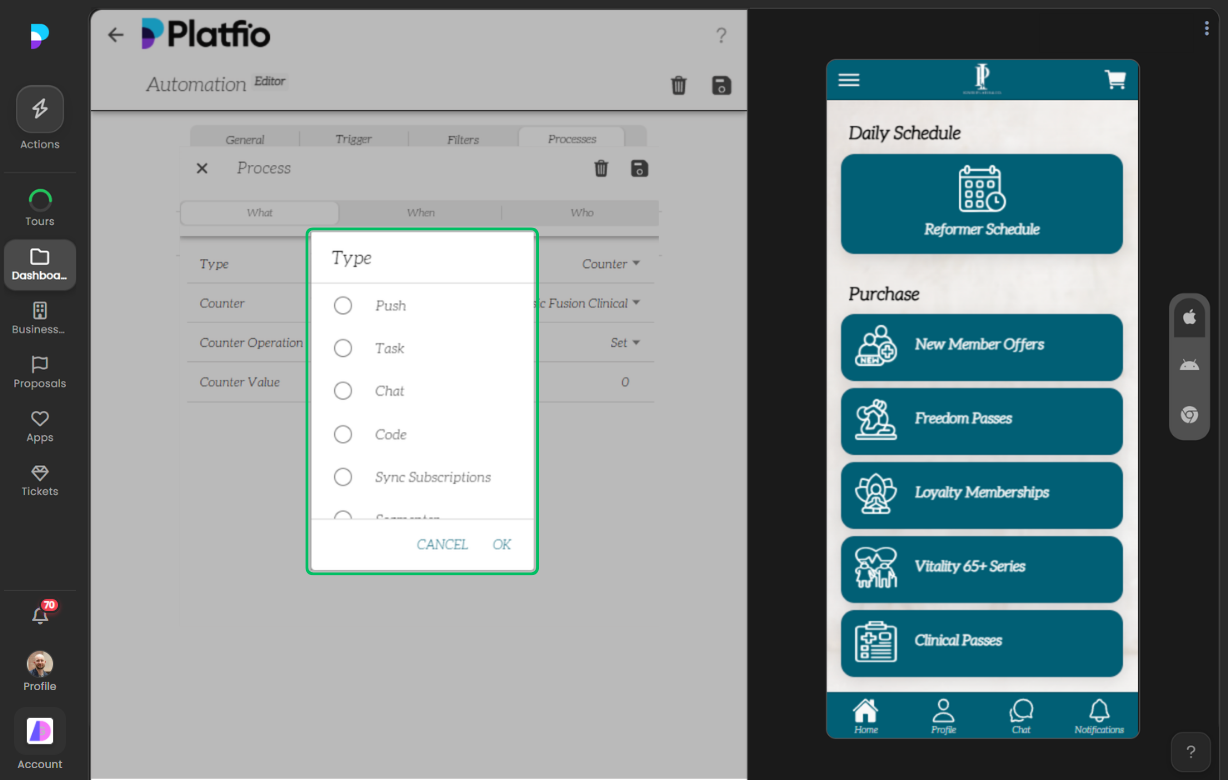
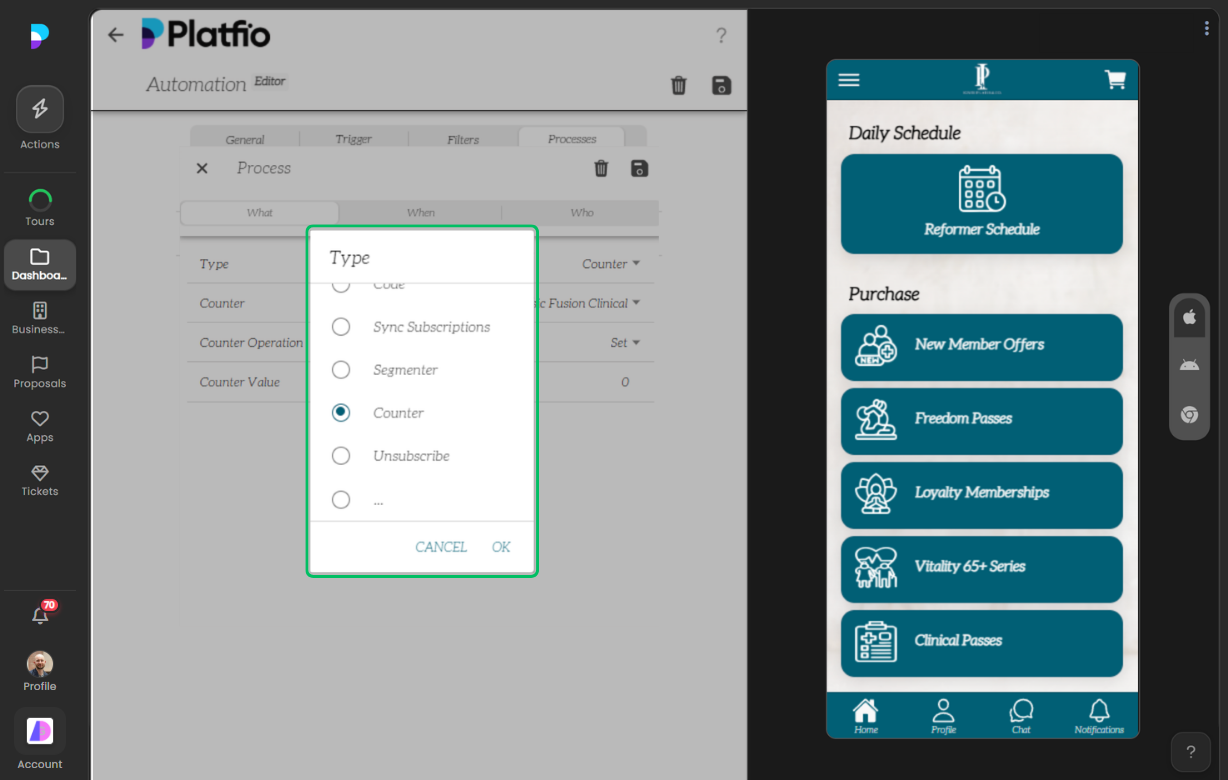
With trigger conditions in place, teams design process steps and action types, then choose exactly what should happen in response to each qualifying event.
4) Control timing and recipients
Finally, workflows are productionized by deciding when actions run and who should receive them, ensuring delivery is context-aware instead of one-size-fits-all.
Why This Matters for Business Apps
This is the pattern across Platfio modules: business teams get enterprise-grade behavior as configurable building blocks, not bespoke engineering projects.
Deliver better software, faster.
Start with Platfio, or talk with us about how it fits your agency workflow.